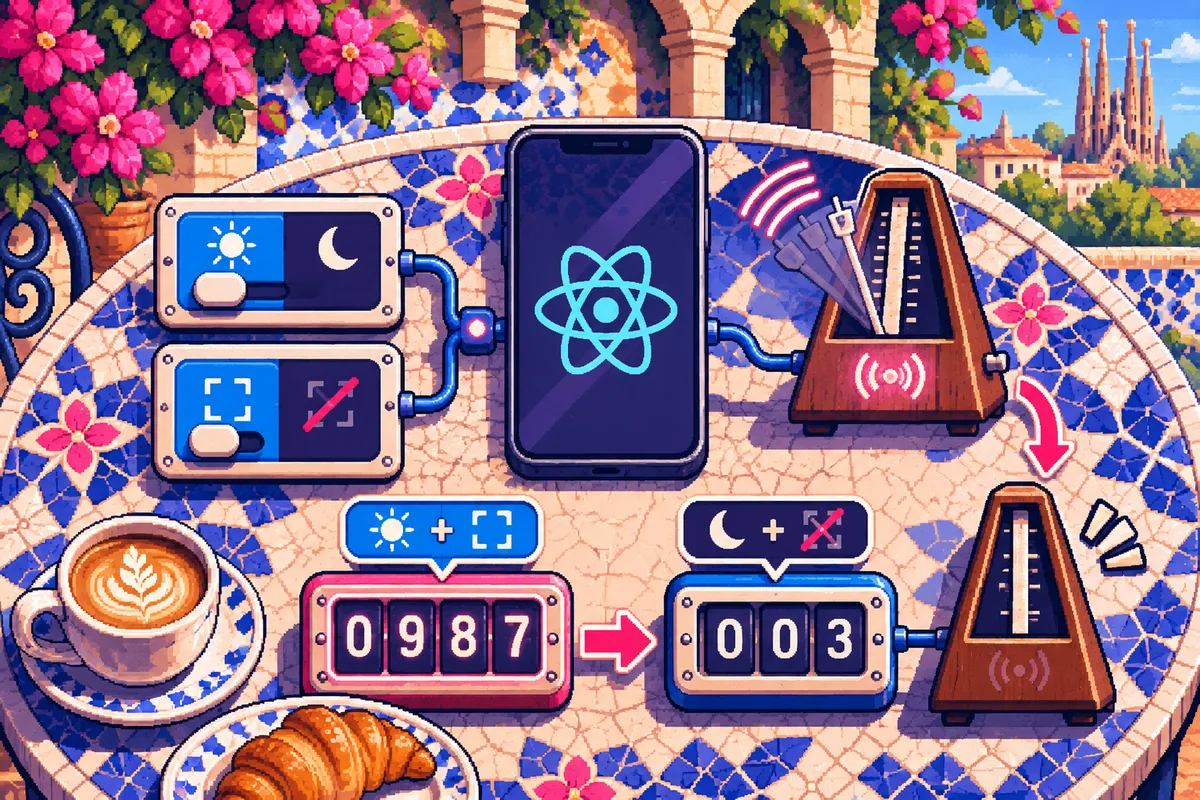
Pause React Native polling when an app is in the background, and pause screen-specific refreshes when the screen loses focus.
Build the example
Subscribe to AppState and connect the active flag to TanStack Query’s focus manager in the app lifecycle. Remove the subscription on cleanup. At the screen level, enable its query only when the screen is focused if that data is unused elsewhere. Leave shared queries active for any other mounted observer that actually needs them.
Put one debug counter on the server stub and one on the device to separate planned ticks from requests that actually arrived. Also cover the case where a sheet hides the screen without unmounting it. For that case choose whether focus still permits updates and encode the choice as an explicit test condition.
Watch the failure boundary
Set a freshness policy for the data when the screen becomes visible again. A leaderboard may benefit from one immediate refresh, while a completed job can show its cached terminal state. Use one subscription near app startup and keep feature-level enablement close to the screen. This separates app lifecycle from query business rules.
Verify the behavior
Use a fixture with a one-second polling interval and count requests through ten seconds foreground, ten seconds background and five seconds after resume. Check that no new ticks start in the background. An in-flight request may still finish, so test abort behavior separately. Verify whether returning to the app should trigger an immediate refetch.
Sources
Technical references checked .

Eeshan Singh
I’m Eeshan Singh Pokharia, an AI Full Stack Developer and CoFounder of UltraFit360. I work across AI features, full-stack product development, and web and mobile experiences—from Figma and frontend interactions to the systems behind them.
Set a freshness policy for the data when the screen becomes visible again. A leaderboard may benefit from one immediate refresh, while a completed job can show its cached terminal state. Use one subscription near app startup and keep feature-level enablement close to the screen. This separates app lifecycle from query business rules.
Meet the author