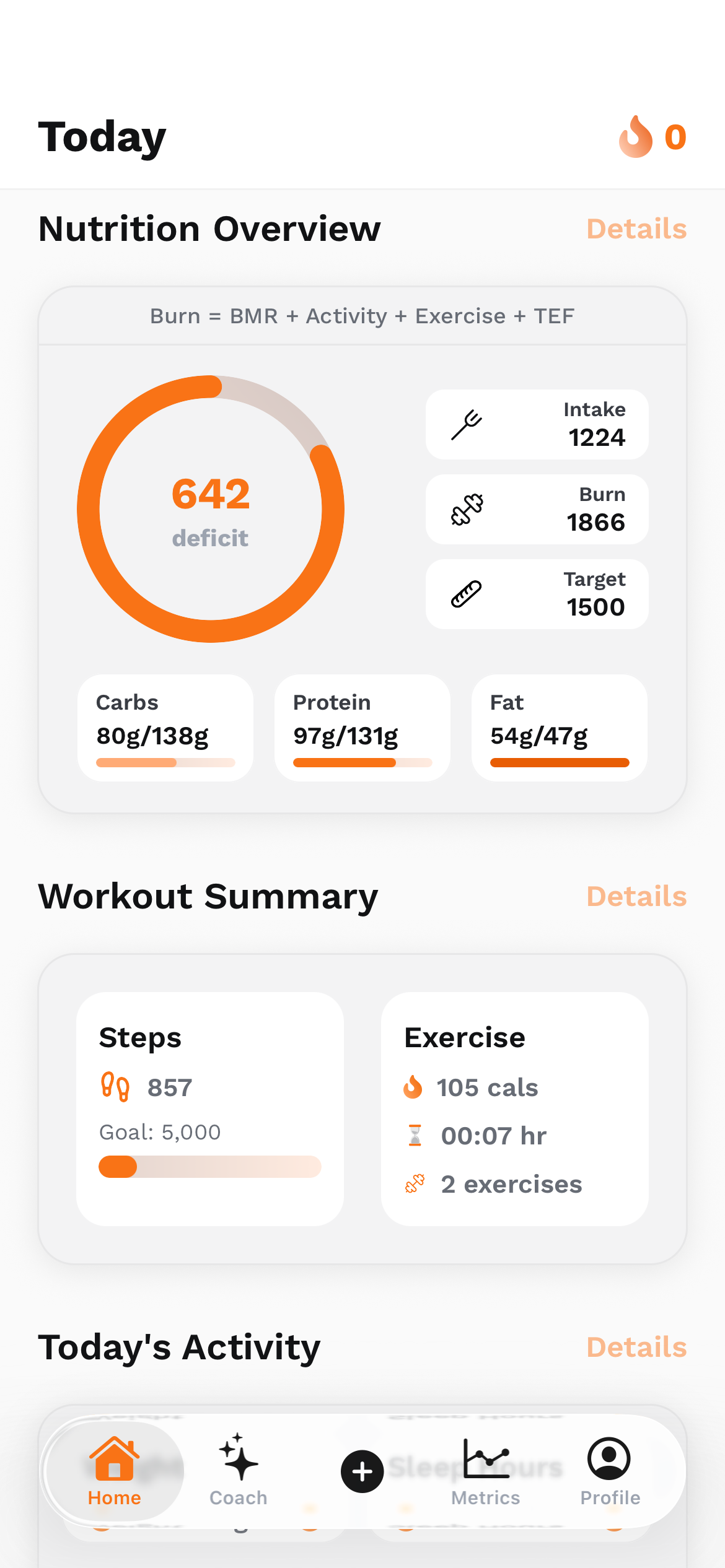
A mobile app can look finished while its hardest engineering work is still waiting behind the home screen. Building the UltraFit360 frontend made that distinction tangible for me. A dashboard has to survive a cold launch, a missing native capability, a stale permission cache, an expired session and a connection that disappears halfway through a request. Expo and React Native help us build across Android and iOS, but they do not remove those conditions. This article follows safeguards and fixes visible in our app code, then explains the release workflow I would use to test them. Community reports are attributed separately; illustrative numbers are examples, not invented UltraFit360 incident statistics.
Expo is part of the React Native stack, not a competing renderer
React Native supplies the application framework and its connection to native platform capabilities. Expo adds libraries and development tooling around that foundation. Expo Application Services, or EAS, provides services such as building binaries, submitting them to stores and delivering compatible updates. It helps to separate these jobs before deciding that a problem means the entire stack is wrong.
The UltraFit360 app snapshot reviewed for this article declares the Expo 54 and React Native 0.81 families, with React 19.1. That is context for the code I inspected, not a recommendation to start a new project on those versions. Its dependencies include health integrations, camera functionality, notifications, native authentication and development-client tooling. Those integrations make the native binary part of the product, even when much of the interface is TypeScript.
For me, the useful question is not “Can Expo build a serious app?” It is “Which parts of this app are JavaScript, which require native configuration, and how will we verify the installed result?” Once those boundaries are explicit, a missing native module is a build problem to investigate rather than a reason to randomly rewrite screens.
Problem 1: a successful development session is not a production build
Expo Go is useful for learning and quick experiments within its supported native capabilities. A development build is your own app binary, with the native dependencies and configuration your product needs. A production build is another important checkpoint: it needs to work without the development server, debugging assumptions or a developer manually rescuing the session.
UltraFit360 uses native packages that make a custom development build the relevant environment for integration testing. A package appearing in package.json does not put its native implementation into a binary that was already installed on a phone. If a dependency or native configuration changes, rebuilding the appropriate binary is part of the work.
My release habit would be to record the exact build being tested, install it cleanly, disconnect from the development server and exercise the important paths. Test an upgrade from an older installed version as well. “It worked after I reloaded Metro” is a useful debugging observation, but it is not the experience an ordinary user receives from an app store.
Problem 2: a notification tap can arrive before the listener exists
One concrete detail in the app code is the handling of notification responses during a cold start. If the operating system launches an app because someone tapped a notification, that response can exist before a listener created by a React effect is ready. Testing only while the app is already open can miss this path.
Our notification hook combines the initial or last notification response with responses received by the active listener. It also contains a guard around notification-handler setup for cases where native initialization is not ready. These are specific defensive patterns in the source, rather than a claim that every device has the same launch-order bug.
The product-level test is straightforward: send a permitted test notification, fully close the app, tap it and verify the destination after authentication and navigation are ready. Repeat with the app in the background and foreground. Then test an invalid or outdated destination. A notification should not take someone into an inaccessible account context just because a payload contains a route.
There are other layers to check too: operating-system permission, the registration associated with the installed build, provider delivery and the app’s handling of the tap. A failure in any one of them can look like “push is broken.” Debugging becomes easier when delivery and navigation are treated as separate steps.
Problem 3: a saved “connected” flag is not proof that health data is readable
Fitness apps have a particularly awkward boundary: a connection screen can say that a service was connected while the next data read has no usable result. Permissions may change outside the app, some data may simply not exist, and the two operating systems do not expose identical capabilities or permission information.
UltraFit360’s health-sync code contains a refresh path for a suspiciously empty permission cache. It also filters results and distinguishes missing values from useful numeric data. That matters because an empty result should not automatically become zero steps, zero sleep or evidence that the person did nothing.
The integration code also documents a native initialization workaround around HealthKit write permissions. I would describe that narrowly: the reviewed initialization path leaves those write requests disabled because of a recorded native-module crash concern. It does not prove that every HealthKit write is broken, or that every current release has exactly the same behaviour. A source comment is evidence of an engineering constraint, not a crash-rate dashboard.
The general lesson is to test permission changes after installation, partial access, no available samples and the return from system settings. Follow the platform’s documented privacy behaviour rather than guessing permission state from an empty query. A useful interface can explain that data is unavailable while preserving the rest of the dashboard.
Problem 4: the network returns, but the wrong value wins
“Offline support” is more than placing a spinner around a request. The app code persists query data, keeps local health values and reuses active requests so multiple consumers do not all launch the same work. It also contains logic to preserve locally entered values when older remote data arrives. These details are easy to overlook while designing a clean dashboard.
Consider an illustrative example: someone logs 1.5 litres of water, then a delayed response arrives with an older total of 1.0 litre. A naive replacement makes the interface appear to undo the user’s action. The numbers here are fictional, but the ordering problem is real: the application needs an explicit rule for freshness and ownership of an edit.
I would review the complete sequence: show the last known value with an appropriate state, accept the local action, distinguish local persistence from successful server synchronization, and reconcile when the request completes. A cached value is not necessarily current; a failed write should not be described as a confirmed remote save.
Retrying also needs judgment. Our query configuration treats a policy denial differently from a transient error. Repeating an operation that the product deliberately refused does not repair it. For writes, retries additionally need a design that avoids duplicate effects. This article does not claim that every workflow in the app is fully offline or that every operation has identical conflict handling.
Problem 5: a tiny invalid value can become a native rendering problem
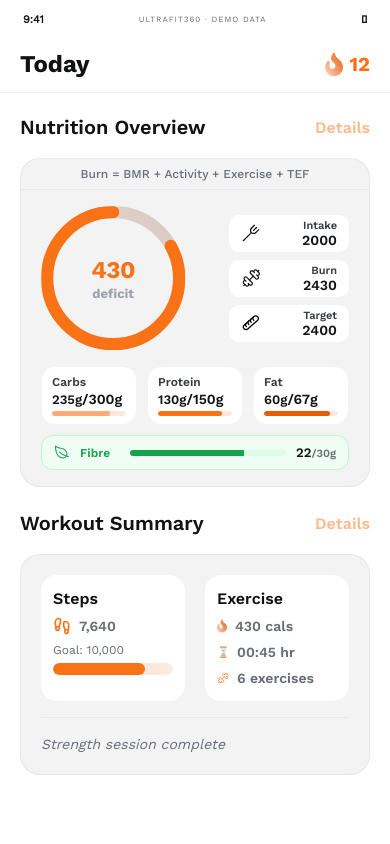
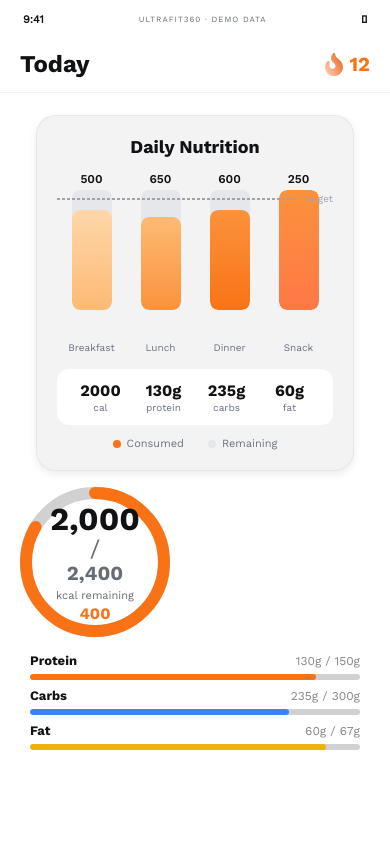
The app’s circular progress component checks that its percentage is finite and clamps the usable range. Its source also avoids drawing the filled arc at zero, with a comment about an Android rendering artifact. These are small examples of a broader production rule: data coming into a visual component deserves validation, even when it is expected to be “just a number.”
Missing targets, an unexpected denominator or a partially loaded response can otherwise produce an invalid drawing value. The solution is not to hide every error behind zero. Decide which state means no data, which means a valid zero and which should show an error. Then keep those states understandable to both the component and the person looking at it.
Platform-specific typography, shadow and spacing helpers in our source are another reminder that shared code does not guarantee identical rendering. I would inspect longer labels, large accessibility text, keyboard-open layouts and smaller screens on each target platform. A screenshot at one convenient size is design evidence, not complete device coverage.
Performance: measure a release build before blaming the framework
React Native’s performance guidance distinguishes development overhead from release behaviour. For a useful comparison, profile the installed release build on named devices and record the conditions: cold or warm launch, network state, dataset size and what task is being measured. A simulator running next to a busy browser is not an interchangeable substitute for a slower physical Android phone.
At a 60 Hz refresh rate, a frame interval is roughly 16.7 milliseconds. That arithmetic explains why a burst of synchronous JavaScript work can matter; it is not a claim that UltraFit360 meets a measured frame-time target. Expensive formatting, unnecessary rerenders, image work and frequent storage serialization are all candidates to inspect before assuming that a new framework will fix the experience.
The app’s consolidated launch-data hydration and shared query cache show attempts to reduce redundant startup work. They are architectural choices we can discuss. Without a controlled before-and-after trace, I would not attach a percentage speedup to them. A credible performance post should show the measurement method and results when those measurements actually exist.
EAS Update helps, but it cannot add native code to an old binary
The attraction of over-the-air updates is easy to understand: compatible JavaScript and asset changes can reach installed applications without making every adjustment a new binary release. But the binary still defines the native capabilities available to that update. Changing native dependencies, permissions or the SDK can require a fresh build.
Expo documents runtime versions as the compatibility boundary between an update and a native build. A channel name alone is not evidence of compatibility. A careful release process keeps the native runtime, target platform and update destination aligned, then tests the actual result before broad distribution.
For example, changing explanatory text on an existing nutrition screen is a different class of change from introducing a new native integration. This is an illustrative release decision, not a report that we shipped an incompatible UltraFit360 update. I would classify the change before selecting the deployment command, use a preview group and keep a recovery plan appropriate to the release.
Updates also remain subject to the platform and app-store rules. EAS Update is a distribution tool, not permission to bypass review requirements. The presence of expo-updates in a dependency list does not, by itself, prove that channels, runtime policies, staged releases or rollback procedures have already been configured correctly.
Why I still value Expo for deployment
The production edge cases do not erase the value of the stack. For a team already building React interfaces, shared TypeScript components and logic can make iteration practical across Android and iOS. The important qualification is that platform integration and platform-specific testing still need owners.
EAS Build provides a repeatable path to app binaries, optional signing-credential management and internal distribution. EAS Submit can automate the handoff of a completed build to a store submission process. Those capabilities reduce repetitive release coordination; they do not automatically approve a store listing or validate the behaviour of the app.
I also like that development builds let the team work with its actual native dependencies instead of designing around a generic preview client. Expo tooling and services are choices within a React Native workflow, rather than an obligation to pretend native code does not exist. The useful measure is whether the workflow helps the team reproduce, inspect and ship the product reliably.
The alternatives are better for some constraints, not every product
A comparison needs to separate the application framework from the build service. Keeping React Native while maintaining native projects and a different CI pipeline is not the same decision as rewriting the application in Flutter. A team can also use selected Expo libraries or services in a React Native project without adopting every part of the ecosystem.
The trade-offs below are my engineering assessment, grounded in the documented architecture of these tools. They are not results of a controlled benchmark or a claim that we migrated UltraFit360 through each option. I would validate the hardest integrations in a small prototype before using a framework comparison as a rewrite plan.
Scroll the table horizontally to see all columns.
| Option | Where it can help | What the team takes on |
|---|---|---|
| React Native with directly maintained native projects and CI | Explicit ownership of native configuration and build infrastructure; retain React and TypeScript work | More responsibility for toolchains, signing, reproducible builds and upgrades; Expo services may still be used selectively |
| Flutter | A shared Dart UI and rendering approach across platforms; useful when a team prefers its widget model | Rewriting React UI and learning Dart; native integrations and platform-specific release work still remain |
| Swift / SwiftUI and Kotlin / Jetpack Compose | Direct platform APIs and platform-specific interaction design | Two UI implementations and the coordination needed to keep features, behaviour and tests aligned |
| A web app, or a web app packaged with Capacitor | Reuse an existing web interface and web development skills; plugins can expose native capabilities | Different rendering and platform integration trade-offs; health, camera and background requirements need their own validation |
What community reports are useful for—and what they cannot prove
Public discussions often describe the same frustrating gap between a successful development session and an installed production app. A Reddit report about development-versus-production push tokens is a useful prompt to test registration and delivery. A LinkedIn development retrospective discussing build types and end-to-end testing is another reminder to make the installed app part of the workflow.
Those are the authors’ experiences. They are not evidence that UltraFit360 had their exact incident, that a particular Expo release fails for everyone, or that a package is currently defective. I use such reports to expand a test case list, then check the current documentation and our own implementation before drawing a conclusion.
That distinction makes a technical blog more useful. Readers should be able to tell whether a statement came from inspected code, a documented tool behaviour, a measured experiment or a hypothetical example. It is possible to tell an honest production story without inventing a user count, outage duration or dramatic crash-rate improvement.
The release check I would keep beside the build button
Start with a small, explicit matrix. Two platforms, three network conditions and four entry paths produce 24 combinations. For example, the network conditions could be online, offline and interrupted; entry paths could be a fresh launch, a background resume, a notification tap and an ordinary in-app navigation. This is a proposed baseline, not a statement that we ran or passed 24 device tests for this article.
Then add cases for the features that carry the most risk: changed health permissions, an expired session, missing targets, older cached data, an interrupted save and an update from a previous build. Record the device, OS, installed binary and result. Include a slower real device, because the device you develop on may hide the timing and memory constraints your users experience.
My takeaway from UltraFit360 is that the quality of a mobile release comes from respecting the boundaries between interface, device, data and distribution. React Native and Expo remain useful because they help the team work across those boundaries. They become much easier to reason about when “build succeeded” is one checkpoint in a release, followed by a deliberate check of what the installed application actually does.
Sources
- Expo: development builds
- Expo: notifications
- Expo: runtime versions
- Expo: EAS Update
- Expo: EAS Build
- Expo: automated submissions
- React Native: performance
- Flutter: architecture
- Capacitor: documentation
- Reddit: an individual production push-token report
- LinkedIn: a developer’s build and testing retrospective
Technical references checked .