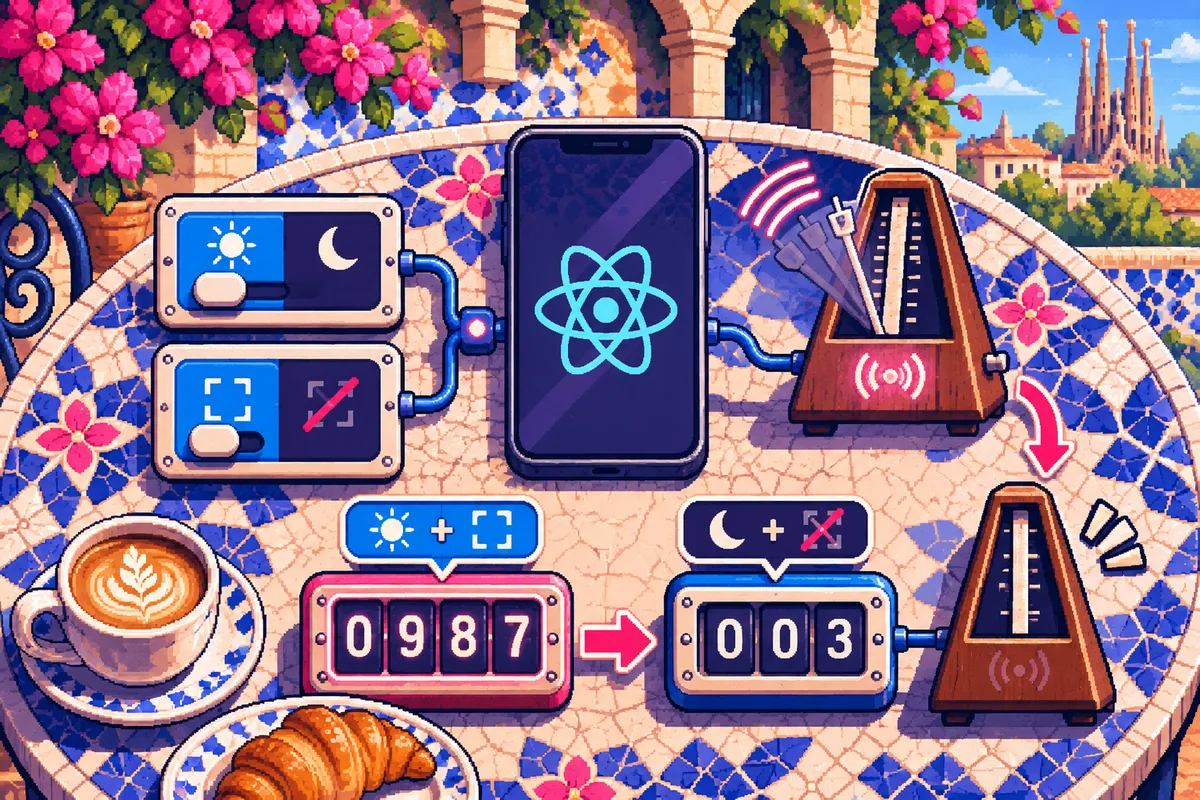
Use a single query for each export job. Start the timer only while the last response is nonterminal, and give the status query a separate retry policy so network failures do not recreate the export.
Build the example
Create the export once with POST, then poll the returned job ID with GET. In TanStack Query v5, the refetchInterval callback receives the Query object. Read its state.data and return false for succeeded, failed or cancelled. Set enabled from the presence of a job ID, pass the provided AbortSignal to fetch, and render the last known job status separately from the connection error.
Start with one fixture for a slow export and one for a failed export. Use a status log that records job ID, timestamp and status only. Change the interval during development to make duplicate timers visible. Once the final status arrives, assert the screen still displays its status after the last observer is removed and reattached.
const result = useQuery({
  queryKey: ['export', jobId],
  queryFn: ({ signal }) => fetchExport(jobId, signal),
  enabled: Boolean(jobId),
  refetchInterval: ({ state }) => {
    const status = state.data?.status ?? '';
    return ['succeeded', 'failed', 'cancelled'].includes(status)
      ? false
      : 1500;
  },
});Export status and polling
Use a single query for each export job. Start the timer only while the last response is nonterminal, and give the status query a separate retry policy so network failures do not recreate the export.
Example
- Queued
keep checking the job ID
- Running
keep the same timer
- Succeeded, failed or cancelled
stop repeating the status request
stop repeating the status request
Watch the failure boundary
A query key that omits the job ID can briefly paint the previous export’s success over a newly queued job. Keep the ID in the key and in any result link. Give the user a manual Refresh action after a transient failure, but preserve the distinction between a failed fetch and a failed export. Only the status endpoint can report the second.
Verify the behavior
Use a fixture that returns queued, running, and succeeded in that order. With fake timers, advance beyond two intervals after the final response and assert exactly three GETs. Switch from job A to job B before A resolves and assert the displayed result belongs to B. On remount, a normal freshness refetch may still occur, so test repeated polling separately from mount behavior.
Sources
Technical references checked .

Eeshan Singh
I’m Eeshan Singh Pokharia, an AI Full Stack Developer and CoFounder of UltraFit360. I work across AI features, full-stack product development, and web and mobile experiences—from Figma and frontend interactions to the systems behind them.
A query key that omits the job ID can briefly paint the previous export’s success over a newly queued job. Keep the ID in the key and in any result link. Give the user a manual Refresh action after a transient failure, but preserve the distinction between a failed fetch and a failed export. Only the status endpoint can report the second.
Meet the author