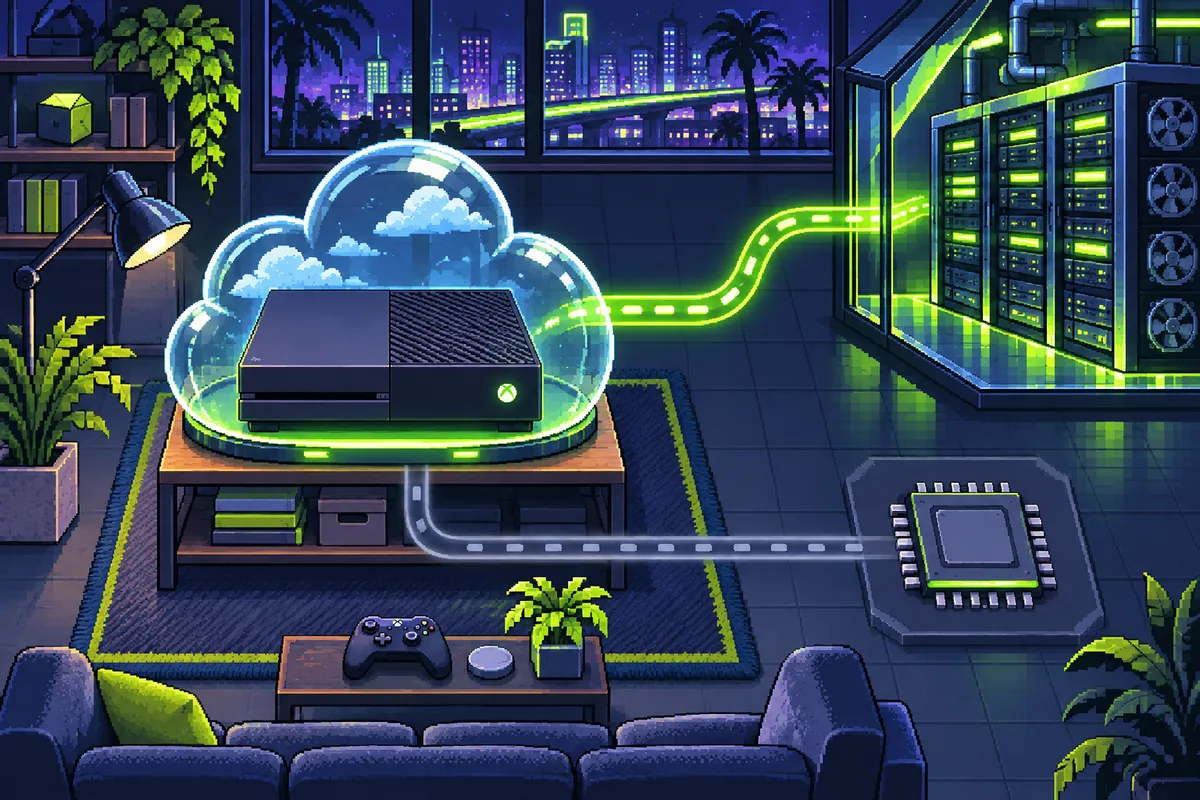
Seeing GTA 6 on an Xbox One screen does not establish that an Xbox One edition runs locally. A cloud service can send video to older hardware while the game executes on a remote machine. Check the exact official product and cloud eligibility information before treating a streaming option as a native port or buying a subscription for it.
Ask where the game process is running
There are three useful possibilities: the game runs on the device under the television, on another console you own, or on a cloud provider's hardware. The first is local play, the second is a remote-play arrangement, and the third is cloud streaming. They can share a controller and display while having very different purchase and network requirements.
An official listing for Xbox Series X or S is not a listing for a native Xbox One executable. Likewise, a web page showing a cloud play button is not evidence that an installation file exists for every device that can display the stream. Read the platform line and the access conditions together.
Check eligibility before paying
Rockstar's November 18 platforms FAQ explicitly announces Xbox Cloud Gaming access on Xbox Series X|S and Xbox One, using Series S graphics settings. That is the confirmed streaming route discussed here, not a native Xbox One release. Check Xbox's current account, plan, region and supported-client requirements before purchasing access.
Use the official Xbox GTA VI product page and follow its current service guidance. Availability can depend on region, subscription, ownership and supported client. A general statement that a service supports cloud gaming does not prove that a particular title is included for your account. Inspect the actual title while signed into your own account, without sharing credentials.
The Rockstar launch communication is a starting point for supported access paths, not an eternal guarantee about a subscription catalogue. If the product and cloud catalogue disagree, resolve that with official support before purchasing solely for one game. This guide intentionally avoids publishing a universal plan-and-region promise.
The screen does not identify the execution platform
Two routes can produce a picture on a television while using different hardware to run the game.
Local play
- Supported console
Executes an installed supported edition.
- Television
Displays the locally rendered output.
Cloud play
- Remote hardware
Executes the eligible title in a provider's service.
- Network and client
Carries input upstream and encoded video downstream.
A cloud option can extend access to a screen; it does not create a native build for that screen's device.
Work through the network path
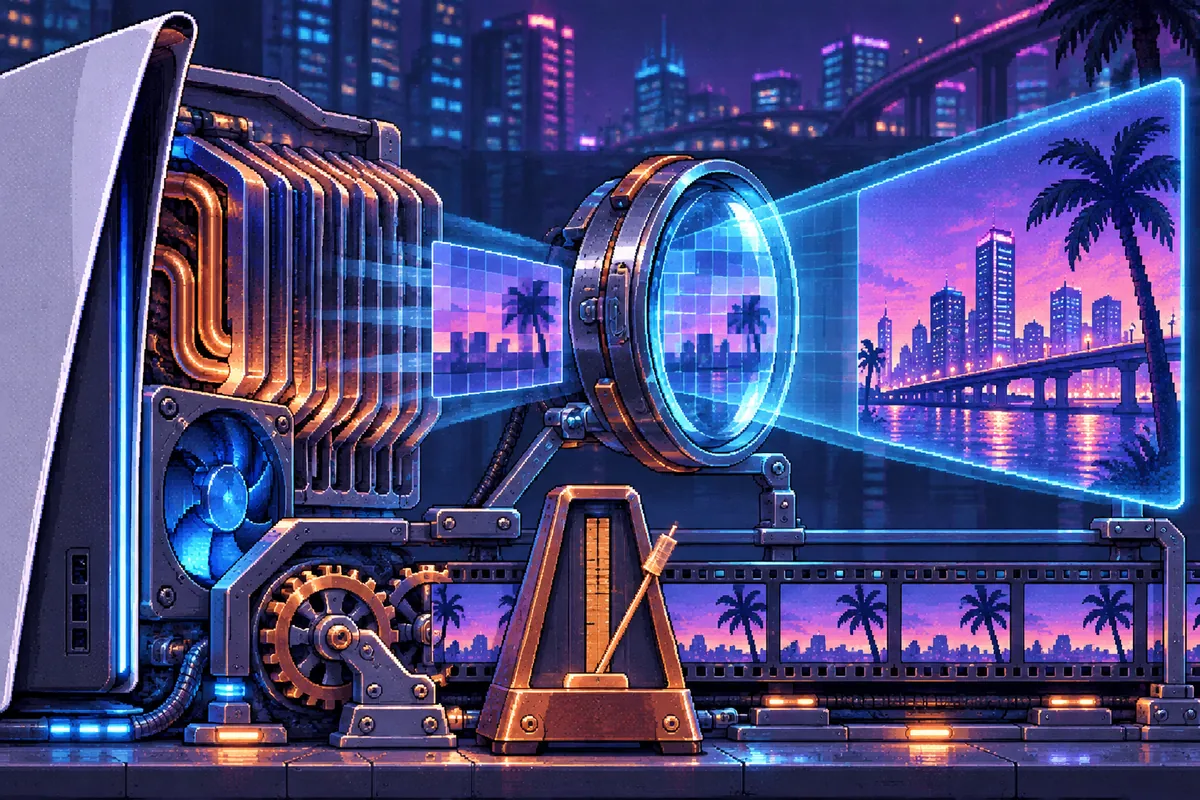
For local execution, controller input reaches the local game and frames travel to the display. For cloud execution, input crosses the network, the remote machine processes it, and compressed video returns. Your experience can therefore change with network congestion, Wi-Fi conditions, service routing and encoding even if the remote hardware is powerful.
Bandwidth is only one part of that path. An advertised connection speed does not tell you the round-trip delay, packet loss or stability during the evening. Try a supported cloud session on your actual connection before making a hardware decision. If the service offers a network test, interpret it as evidence for that place and time.
Scroll the table horizontally to see all columns.
| What you want | Relevant route | Main question |
|---|---|---|
| Play without streaming | Supported native console edition | Does this device run the announced version? |
| Use an older supported client | Eligible cloud session | Is this title available to my account here? |
| Reach my own console remotely | Official remote-play setup | Is my home console reachable and prepared? |
| Play with no internet | Supported local offline setup | Are installation and entitlement requirements met? |
Try the cheapest reversible test first
Confirm controller support, client compatibility and the official access terms. Use an existing eligible session or a legitimate service test where available; do not buy an unknown account or a supposed compatibility patch. Try the controls and readability on the screen you actually plan to use. A phone test on a different network is not a complete Xbox One living-room test.
If the picture breaks up, compare a wired connection or a less congested local network before concluding the game itself is defective. If the service reports a queue or availability problem, record that message separately from network symptoms. A queue is an access-capacity issue, not evidence that the older console is rendering too slowly.
What not to download
Do not install an unofficial Xbox One conversion, emulator unlocker or firmware modification because a video claims to show the game on older hardware. Streaming can explain that video without any native port existing. A captured television screen alone tells you little about the machine producing its frames.
Keep the distinction in your own descriptions too. “I accessed a supported cloud session on this device” is precise. “The game has an Xbox One version” is a different claim requiring different evidence. That precision makes buying advice more useful and reduces the chance that another player spends money based on a misunderstanding.
A buying checklist that survives the headline
- Verify the official native platform list.
- Check cloud title, region, account and plan eligibility independently.
- Confirm your client and controller are supported.
- Test the actual network and screen if possible.
- Compare ongoing subscription costs with the local-hardware alternative.
- Recheck service availability before making a purchase for one title.
Frequently asked questions
Is cloud streaming a GTA 6 Xbox One port? No. A native port executes the game on that console. Cloud streaming executes it on remote hardware and sends the resulting video to a supported client.
Does owning GTA 6 guarantee cloud access? Do not assume it. Check current title eligibility, purchase requirements, plan, region and supported devices on Xbox's official service and product pages.
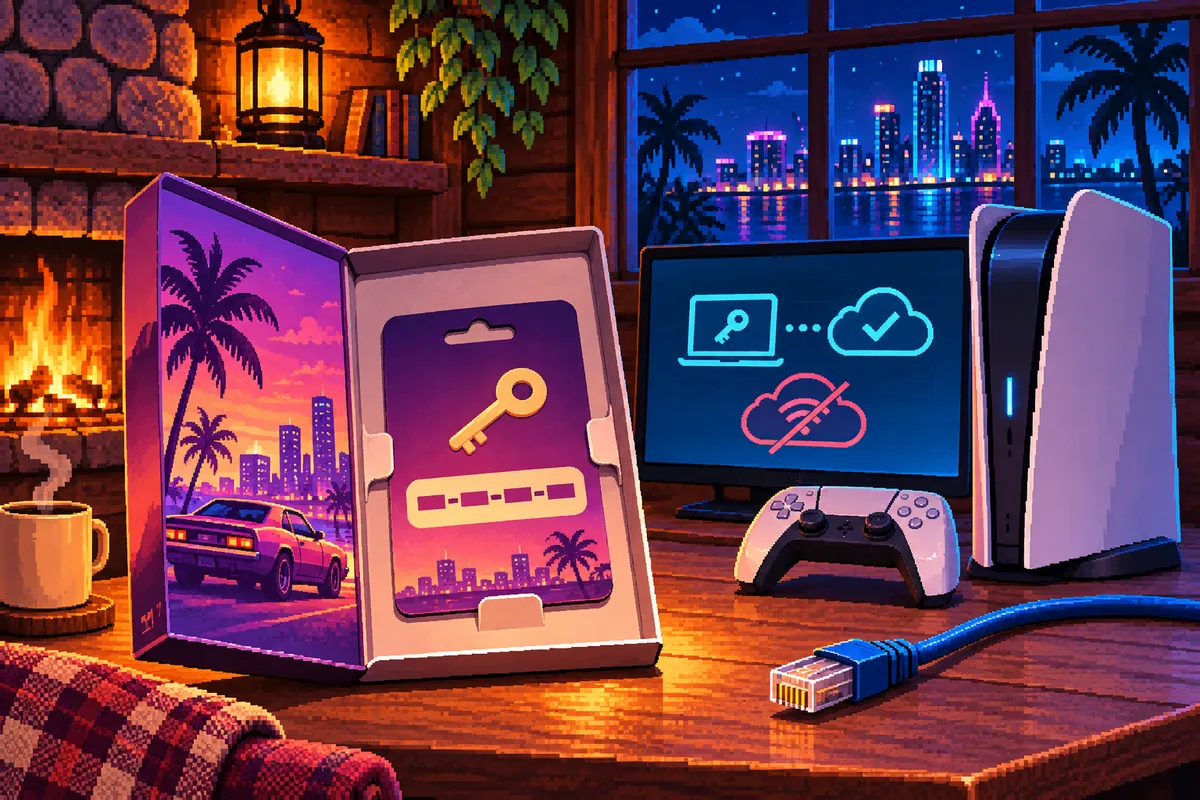
Can I play a cloud session without internet? No. A cloud session needs a working network path because the game runs remotely and your device receives its video and sends your input.
Sources
- Rockstar, November 10: Pre-Load Grand Theft Auto VI Now
- Xbox: GTA VI product page
- Rockstar: GTA VI platforms, editions and boxed contents
- Related practical guide
Technical references checked .

Eeshan Singh
I’m Eeshan Singh Pokharia, an AI Full Stack Developer and CoFounder of UltraFit360. I work across AI features, full-stack product development, and web and mobile experiences—from Figma and frontend interactions to the systems behind them.
This is a system-design explanation of execution versus display. I have not measured GTA 6 cloud latency or image quality on an Xbox One, and this article does not present generated artwork as a gameplay capture.
Meet the author