Offline play is a combination of game requirements and platform licence conditions. A disc in your bag, a completed download and an offline-enabled console each answer a different question. Before relying on GTA 6 away from the internet, verify the current game requirements and test your own supported console setup while you can still fix a problem.
Decide what offline means for your session
Do you mean starting a single-player mode with no connection, resuming a save, or accessing an online feature during an outage? These are different tasks. Do not use a statement about a story mode to promise that network-dependent services will work without their servers. This guide does not invent a mode-by-mode compatibility list where the publisher has not supplied one.
Write down the exact edition, console and profile you plan to use. If the setup depends on another person's digital purchase, read the platform sharing conditions first. A test on the owner's console may not describe a second console's behaviour. For PS5, Sony's Console Sharing and Offline Play documentation is a relevant starting point for eligible digital purchases.
Installation is a content question
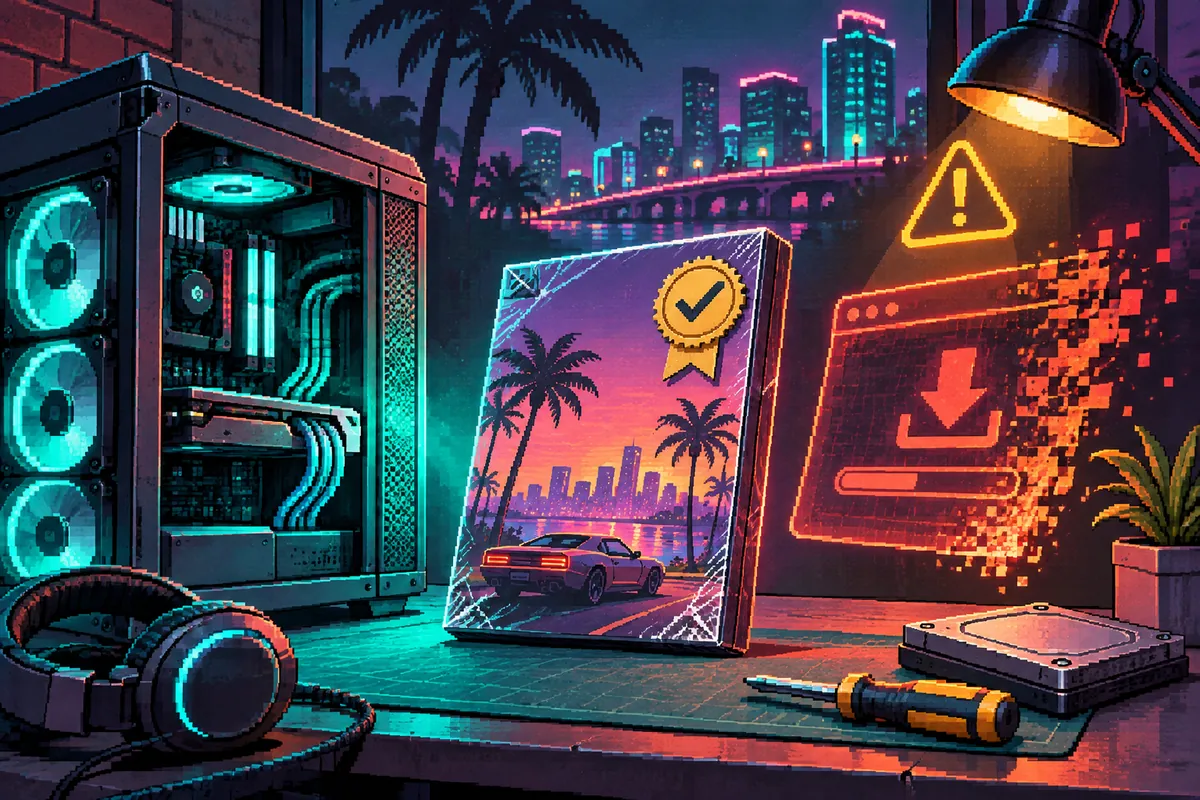
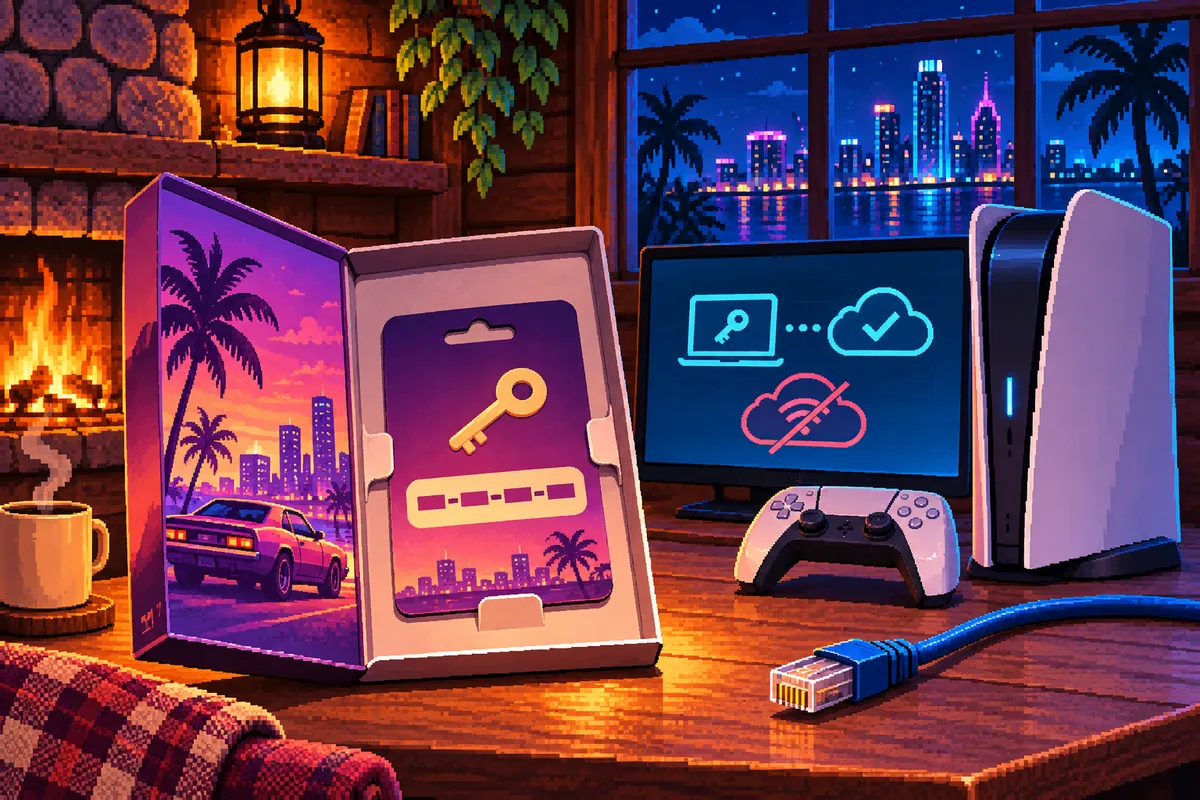
For GTA 6 specifically, Rockstar's November 18 platforms-and-editions FAQ says the boxed Standard Edition contains a digital download code and no disc. Treat that purchase as a code-redemption and digital-licence path. A box on a retailer's shelf is not evidence of playable physical media, and keeping that empty box nearby does not replace the account entitlement.
Check the console's installation and download queues. A playable-looking tile does not necessarily mean every component and required update has finished. Leave enough time for preparation before travelling; a download estimate from someone else's connection is not a reliable deadline for yours. Storage requirements can also change with updates.
For games generally, a genuine disc can have its own installation and access conditions. Do not import those assumptions into GTA 6's documented code-in-box edition. Read the exact product contents and code-redemption conditions instead of treating the word physical as a promise of a disc.
Three gates before an offline session
Each gate needs separate evidence; passing an earlier gate does not guarantee the next one.
Preparation
- Installation
Required game data must actually be installed.
- Updates
Resolve required downloads before leaving a working connection.
Access
- Licence
Check disc or digital entitlement conditions for the chosen console.
- Offline launch
Test the intended profile and supported game mode without a connection.
A successful online launch is useful preparation but is not an offline test.
Digital ownership is a licence question
On a digital purchase, identify the account that bought the game and the console designation that enables eligible offline access. Sony documents how its PS5 sharing feature works. Follow the current instructions for your platform rather than trying an unofficial account exchange. If a subscription supplies access to a product, its terms can introduce additional conditions.
Scroll the table horizontally to see all columns.
| Check | Evidence to collect privately | Why it matters |
|---|---|---|
| Installation | Required content and update queues are complete | Files may still be missing |
| Ownership | Purchase appears on the expected account | An installed tile does not identify the owner |
| Console setup | Relevant offline or sharing designation is correct | Another console's entitlement may differ |
| Intended mode | Publisher documentation supports the use case | Online services still need connectivity |
| Trial launch | Intended profile launches in the intended offline state | This tests the actual combination you depend on |
Run a reversible offline check
Start with a normal online launch and resolve any official required updates or account notices. Close the game normally. Then use the console's supported network controls to test the intended offline state. Launch using the same profile and installation you will take with you. Record the exact result; do not describe a menu opening as proof that every later feature works.
Afterwards, restore the connection and verify normal operation. Avoid deleting saves, unlinking accounts or factory-resetting the console as a first response to a failed test. Those actions can create additional recovery problems while leaving the original entitlement issue untouched. If the platform reports a licence error, follow its official troubleshooting path.
Know what the test cannot promise
A successful trial is evidence about that console, account, game version and supported action at that time. It is not an assurance against future patches, expired subscriptions, corrupted storage or changed account designations. If you move the sharing designation after testing, the earlier result may no longer describe your setup.
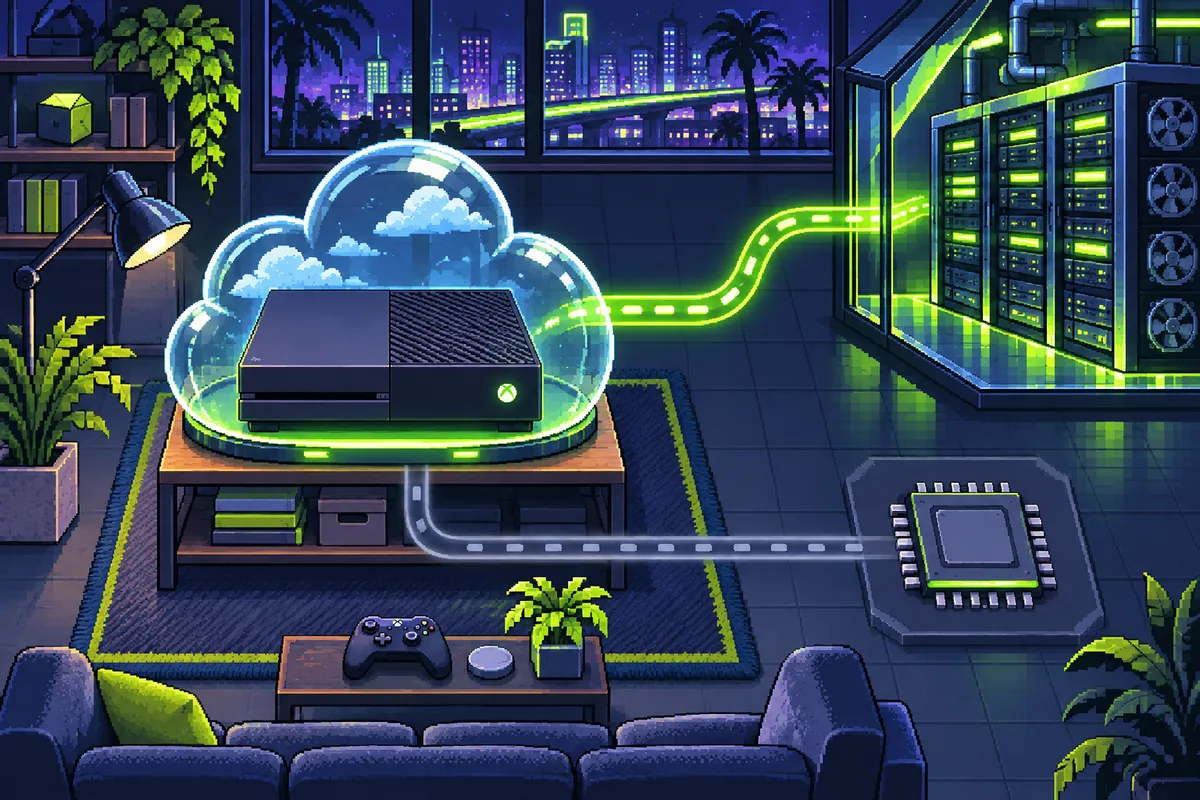
Cloud streaming is a separate case: the game runs elsewhere and the video must reach you over a connection. Remote Play also relies on a network path to your console. Neither is a substitute for an installed offline-capable local setup when your goal is playing somewhere without internet access.
Prepare for the failure you can actually fix
The practical win is confidence based on a check you performed, not a blanket promise copied from a forum. For download scheduling, use the separate preload guide. For entitlement sharing between profiles, use the dedicated console-sharing article.
- Finish installation and review required updates before departure.
- Confirm ownership and applicable console-sharing conditions.
- Redeem the boxed GTA 6 code on the intended compatible account; the box contains no disc to use as a launch credential.
- Test the intended profile and supported mode in a reversible offline state.
- Protect saves using the console's documented backup and sync options.
- Save the exact error wording if a test fails and consult official support.
Frequently asked questions
Does buying a disc guarantee I will never need the internet? No. Installation, patches, activation and mode requirements must be checked separately. The disc alone does not establish that every required component is ready offline.
Does the download finishing prove GTA 6 will launch offline? No. It proves that a download completed. Your console's digital licence conditions, account setup and the game's own requirements are separate checks.
Should I test offline access before a trip? Yes. Use your intended console and profile, finish required preparation while online, then test a supported offline launch before you depend on it away from a connection.
Sources
- PlayStation: Console Sharing and Offline Play
- Rockstar: GTA VI official platform/site information
- Rockstar: GTA VI platforms, editions and boxed contents
- Related practical guide
Technical references checked .

Eeshan Singh
I’m Eeshan Singh Pokharia, an AI Full Stack Developer and CoFounder of UltraFit360. I work across AI features, full-stack product development, and web and mobile experiences—from Figma and frontend interactions to the systems behind them.
This article is a planning and diagnostic guide, not a claim that I tested every GTA 6 mission without a connection. The useful engineering idea is to separate content availability from permission to execute it.
Meet the author