An official GTA 6 console launch does not establish a PC release. Start with Rockstar's own platform information and an authorised storefront, rather than a search result promising a PC installer. As reviewed on November 19, 2026, this guide does not have an officially confirmed PC release date or PC system requirements to report.
Read the platform line before the headline
Open the publisher's official GTA VI page directly and find the named platforms. Follow any product links from there. A console availability statement is evidence for those consoles; it is not a timetable for an additional platform. An unofficial article can correctly describe a trailer and still add an unsupported PC date in its headline.
Record the source date and the exact scope of the statement. If a PC announcement is published later, this article needs a substantive update with that source. Until then, a precise invented date is less useful than a clear statement of what is unknown. The same rule applies to minimum RAM, GPU recommendations and storage sizes for a hypothetical PC build.
Separate three things people call playing on PC
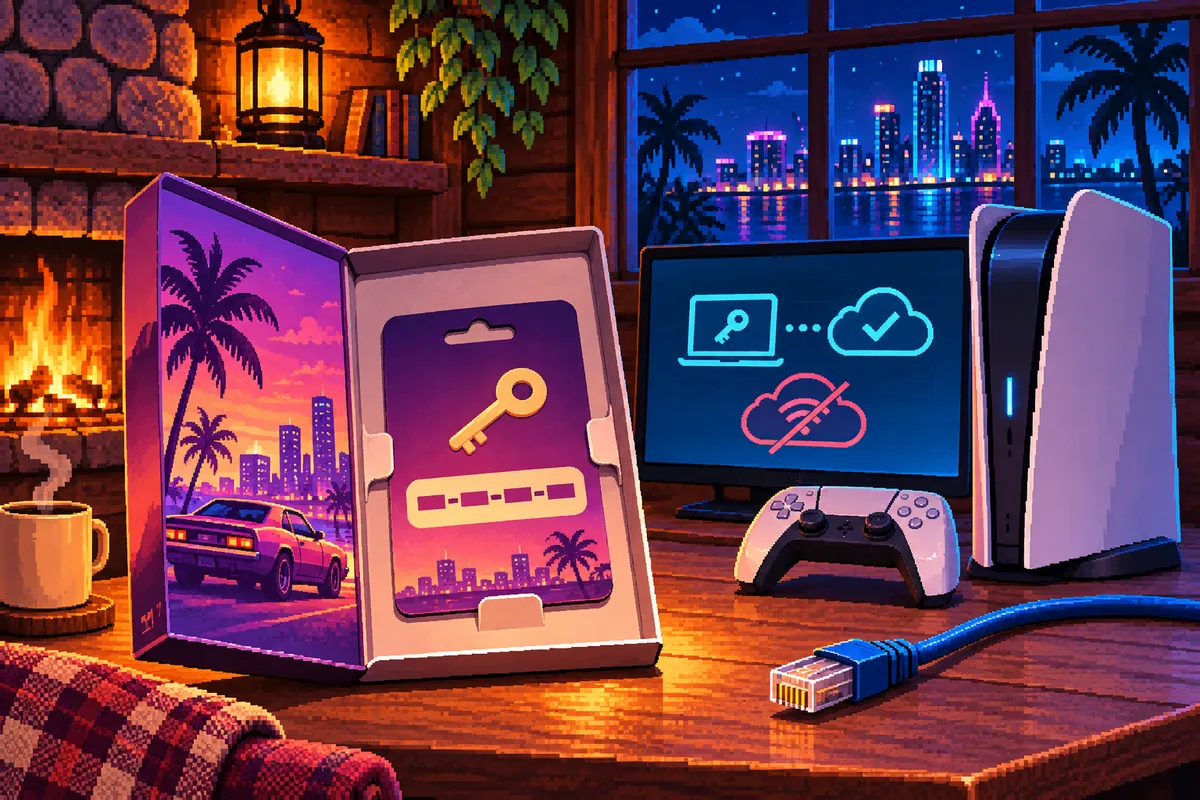
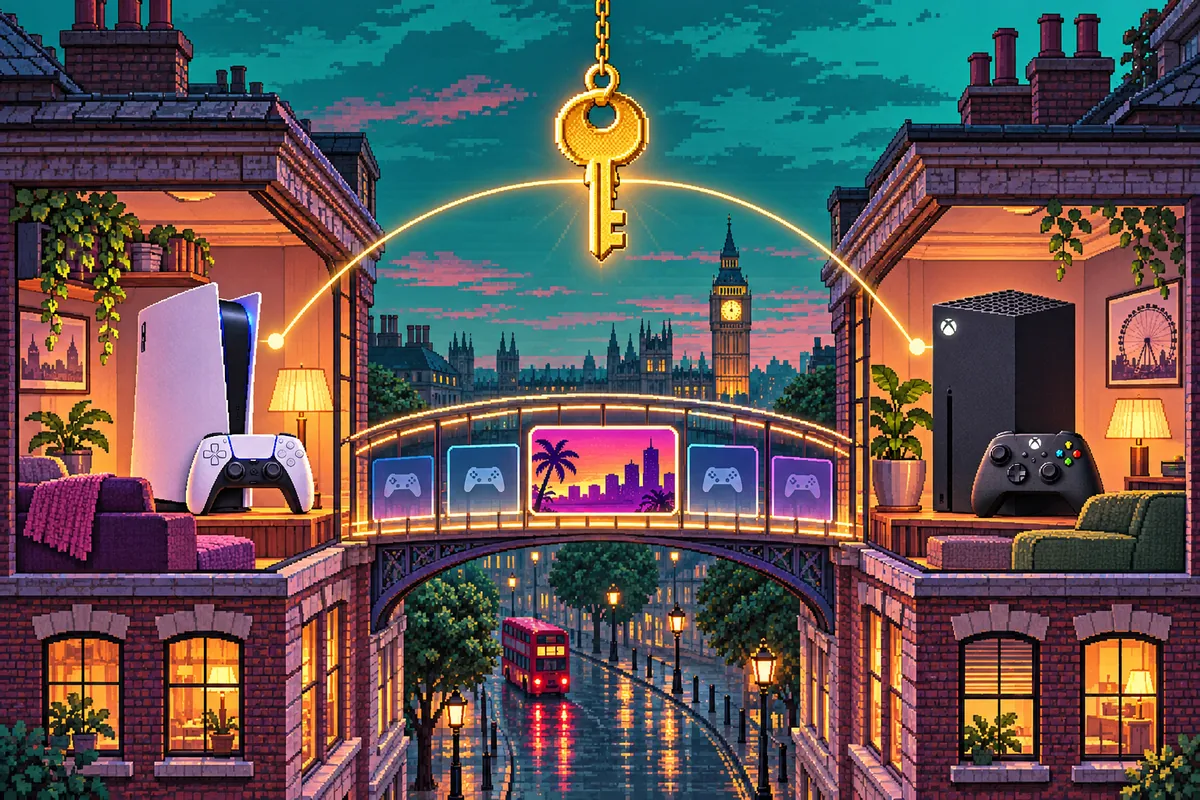
A native PC release runs the game software on your computer. Remote Play sends input to your own console and streams its video back. A cloud service runs the game on a provider's hardware, if the title and your account are eligible. The laptop screen can look similar in all three cases, but installation, ownership and performance responsibilities are different.
Scroll the table horizontally to see all columns.
| Claim | Evidence needed | Common misunderstanding |
|---|---|---|
| Native Windows release | Publisher announcement and authorised PC listing | A console trailer is treated as a PC launch |
| Remote Play on a computer | Supported console and remote-play setup | Video streaming is described as a PC port |
| Cloud access in a browser | Current title, region and plan eligibility | Every browser user is assumed to have access |
| A fan-made scene | Creator disclosure and project identity | A recreation is presented as leaked retail software |
Verify before executing
A release claim needs an official chain of evidence before a download becomes worth considering.
Evidence path
- Publisher announcement
Find the exact platform and release statement on Rockstar's own site.
- Authorised product page
Check that the platform, publisher and edition match.
Stop conditions
- External activation tool
Do not run a supposed unlocker to prove a release exists.
- Unannounced requirements
Treat a requirements table without a publisher source as speculation.
A filename, trailer or working download link does not authenticate a PC release.
Inspect a download offer without opening its files
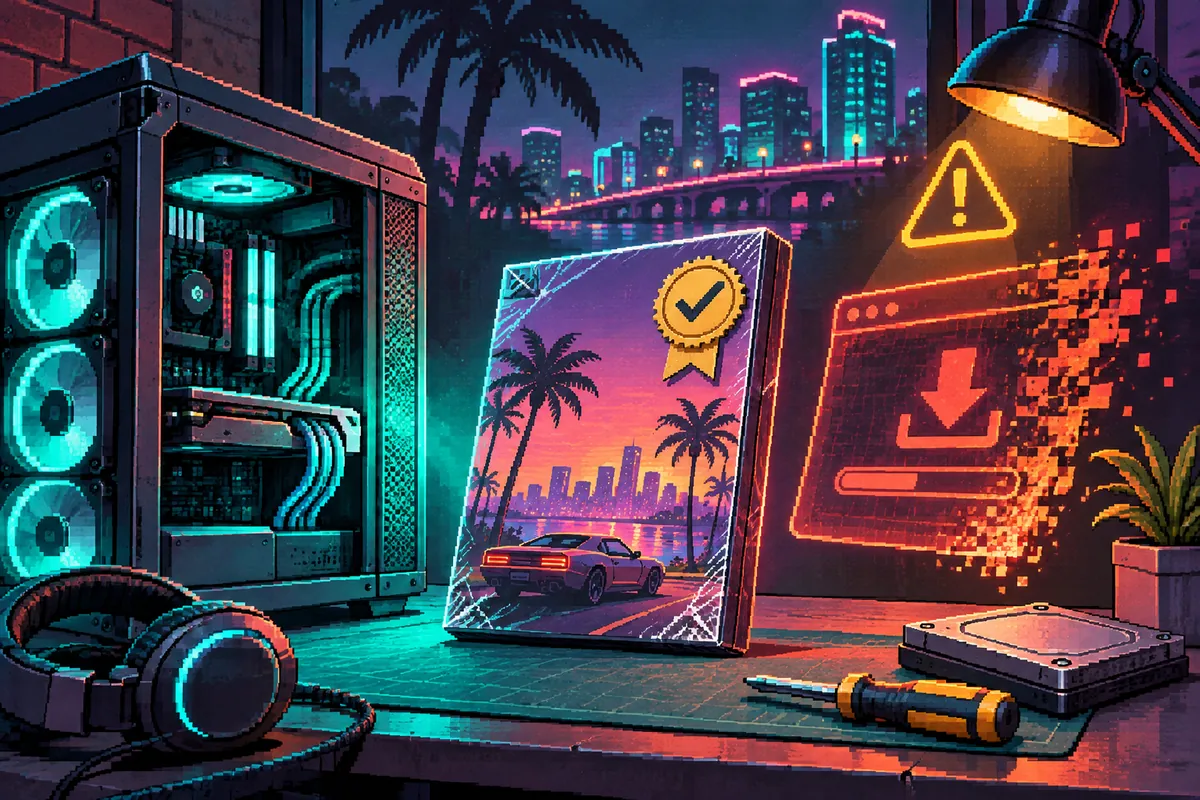
Check the actual domain, not just the page's logo. A copied publisher mark, HTTPS padlock or polished screenshot does not prove the operator is the publisher. Look for the official announcement that points to this distribution channel. If that link is missing, do not substitute a comment section full of success claims as proof.
Requests to disable security software, install an activation helper, enter a console password, complete a survey to decrypt an archive or pay for a password are strong reasons to stop. None is a normal way to establish that an unannounced PC edition exists. Do not execute an unknown installer in order to investigate whether it is malicious.
What to do if you already downloaded something
If the file has not been opened, leave it unexecuted and use your operating system's security tools to review or remove it. If you ran software, the response depends on what happened: credential entry, administrator permission and payment information all create different exposure. Use trusted security guidance for your system rather than downloading a second supposed cleanup utility from the same page.
If you entered an account password, change it through the service's official site from a trusted device and review active sessions and recovery settings. Contact the relevant provider if a purchase or payment account is involved. A reassuring filename or an antivirus result alone is not a guarantee that an installer is safe.
Build a useful release watchlist
This is also a useful habit beyond gaming. A convincing interface can make an unsupported claim feel finished. The most valuable check happens outside that interface: who is making the claim, what primary source supports it, and whether the proposed action asks for more trust than the evidence earns.
- Bookmark Rockstar's official GTA VI page and Newswire.
- Follow product links from the publisher to the relevant authorised store.
- Keep announcement date, platform and region together in your notes.
- Label rumours as rumours; do not convert them into a countdown.
- Recheck eligibility before buying hardware for cloud or remote access.
- Wait for official PC requirements before making a PC upgrade decision specifically for this game.
What would change this answer
A new official PC announcement, a publisher-linked PC store page or published PC requirements would materially change this guide. A reposted trailer, speculative benchmark chart or popular forum thread would not. That boundary keeps the article useful without pretending to predict Rockstar's future plans. For confirmed console installation details, follow the existing preload article rather than a PC download advertisement.
Frequently asked questions
Is a GTA 6 PC release date confirmed in this guide? No. The official sources reviewed for this article do not provide a confirmed PC release date that this guide can responsibly report.
Can I trust a GTA 6 PC requirements calculator? Only if its underlying requirements come from an official publisher source. Without that source, a calculator is modelling assumptions rather than confirmed compatibility.
Is remote access to a console the same as a PC port? No. A PC can receive a video stream from another machine without running a native PC version of the game. The execution platform remains separate from the display device.
Sources
- Rockstar: GTA VI official platform/site information
- Rockstar, November 10: Pre-Load Grand Theft Auto VI Now
- Related practical guide
Technical references checked .

Eeshan Singh
I’m Eeshan Singh Pokharia, an AI Full Stack Developer and CoFounder of UltraFit360. I work across AI features, full-stack product development, and web and mobile experiences—from Figma and frontend interactions to the systems behind them.
A believable download button is a frontend pattern, not evidence that the software behind it is legitimate. I use a source-verification checklist here; I have not installed, reverse-engineered or tested a purported GTA 6 PC build.
Meet the author