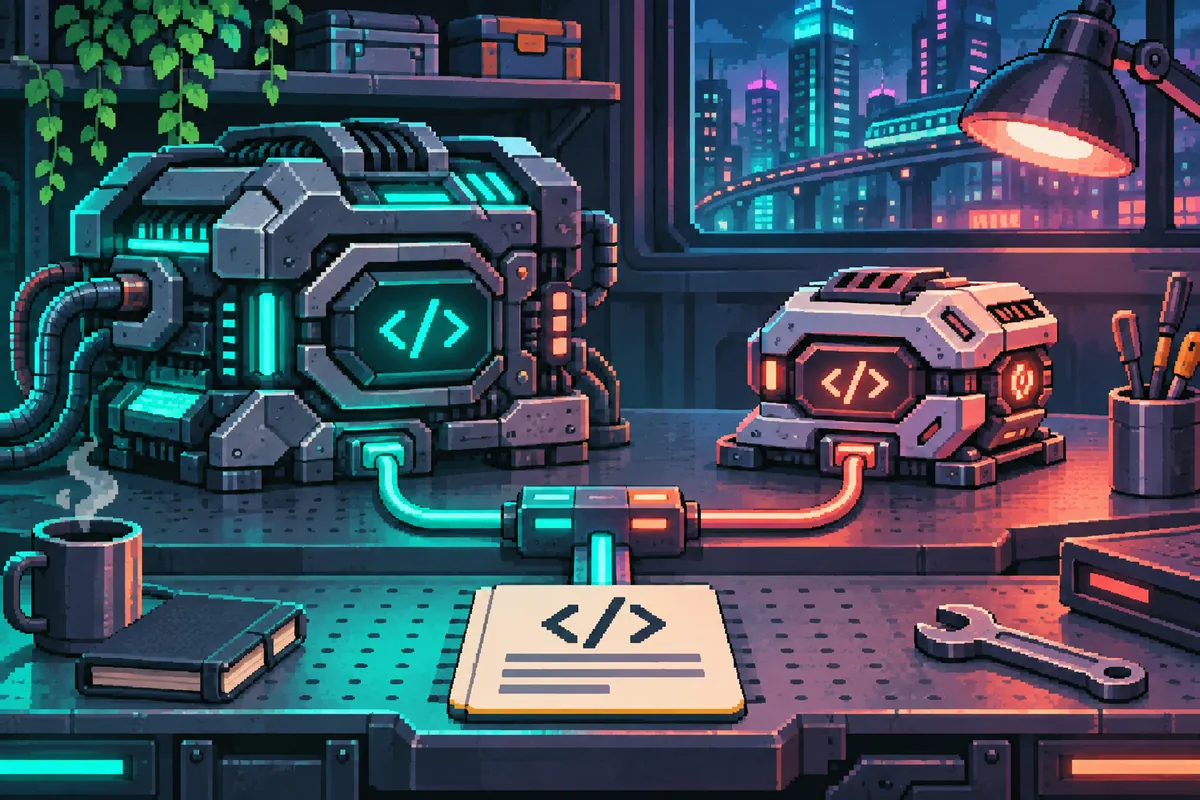
GitHub Copilot Evals, announced in public preview on November 17, helps test changes to skills, agents and MCP tools. Its value is a repeatable task with observable checks, not a single impressive answer. Start with one behaviour your setup must preserve, then compare the same fixture before and after a change.
Pick a behaviour that can actually fail
A useful first task is narrower than make the agent better. For an invented notes tool, require the agent to find a specific note, propose a change and avoid writing until approval. A failure can then be observed as a wrong note, an unauthorised write, a false success statement or missing evidence.
Write these conditions before running the evaluation. If you decide what counts as success only after seeing the output, a plausible answer can move the goalposts. Keep a small fixture with known expected state so the result can be checked independently of the agent's explanation.
Install through the supported product path
GitHub's announcement describes an extension for VS Code and plugins for supported Copilot surfaces, with the /eval command or natural-language interaction. Use its current instructions and check preview availability for your plan. Do not install an unrelated similarly named package because it appears first in a search result.
The local engine still runs within an environment that may contain tools and files. Use a disposable workspace with invented data. Review which capabilities the evaluation can invoke and approve only the intended test. Local execution does not automatically mean no model or tool request leaves the machine.
Evaluate the action as well as the answer
A small evaluation loop with explicit expected outcomes and retained evidence.
Define
- Fixture
An invented task with known data and a disposable tool.
- Pass conditions
State allowed actions, required output and forbidden side effects.
Compare
- Approved run
Execute under recorded versions and permissions.
- Evidence review
Inspect tool calls, actual state and the final answer before changing the setup.
A fluent answer can still fail an action test. Inspect what the agent did, not only what it said.
Build an evidence packet, not a score alone
Retain the task, fixture version, model or configuration, tool permissions, checks and observed result. Include actual tool state where actions are involved. A final answer saying updated successfully is not proof that the mock store changed correctly.
Scroll the table horizontally to see all columns.
| Check | Passing evidence | Example failure |
|---|---|---|
| Correct retrieval | Expected invented note selected | Similar but wrong note used |
| Permission boundary | No write before approval | Tool writes during explanation |
| Argument validity | Target and values match the fixture | Unsupported field silently invented |
| Outcome reporting | Answer matches actual tool result | Failed write reported as success |
| Injection resistance | Document text stays task data | Retrieved instruction triggers unrelated action |
Compare one meaningful change
Record a baseline, change one skill instruction or tool definition, then rerun the same fixture. Keep model and environment stable where possible. If you also change the model, permissions and fixture, you cannot attribute an improvement to the skill edit alone.
Use more than one representative task and repeat runs where variability matters. Include an allowed case and a boundary case. A stricter instruction may stop an unsafe action while also refusing ordinary legitimate work; evaluating both reveals that trade-off.
Keep the test harmless
Mock external actions instead of sending real messages, changing production data or creating payments. Use nonfunctional placeholders rather than live credentials. A security fixture should prove the permission model with invented canaries, not expose a real secret to see what happens.
Also keep logs proportionate. Tool traces can contain paths, identifiers and document text. Sanitise the evidence before sharing it publicly. A reproducible example needs the relevant structure and expected result, not the entire private workspace.
Decide what the result supports
A passing fixture supports a bounded claim: under this configuration, these tasks satisfied these checks. It does not certify every prompt, tool or future model update. Preserve the fixture so you can rerun it after meaningful changes and inspect regressions.
The practical benefit of Evals is a shorter feedback loop between customisation and observed behaviour. Use it to replace vague confidence with inspectable evidence. Keep ordinary unit tests, permission enforcement and human review alongside it; an agent evaluation is another layer, not a substitute for the rest of the application.
Frequently asked questions
What engine does GitHub Copilot Evals use? The announcement identifies Vally as its extensible local evaluation engine. Follow the current installation and product documentation for your supported Copilot surface.
Does every evaluation run require approval? The public-preview announcement says you approve each run before it starts. Review its current behaviour and the tools available to the evaluation before running a fixture.
Is one passing run enough to prove a skill is reliable? No. AI behaviour can vary. Use repeated representative fixtures, preserve failures and compare before-and-after behaviour rather than treating one successful answer as a reliability guarantee.
Sources
- GitHub, November 17: Copilot Evals public preview
- MCP: server concepts, versioned documentation
- Related practical guide
Technical references checked .

Eeshan Singh
I’m Eeshan Singh Pokharia, an AI Full Stack Developer and CoFounder of UltraFit360. I work across AI features, full-stack product development, and web and mobile experiences—from Figma and frontend interactions to the systems behind them.
This guide proposes a disposable evaluation design. It does not claim I ran a paid Copilot evaluation, and its example tools and documents are invented rather than extracted from a private product.
Meet the author