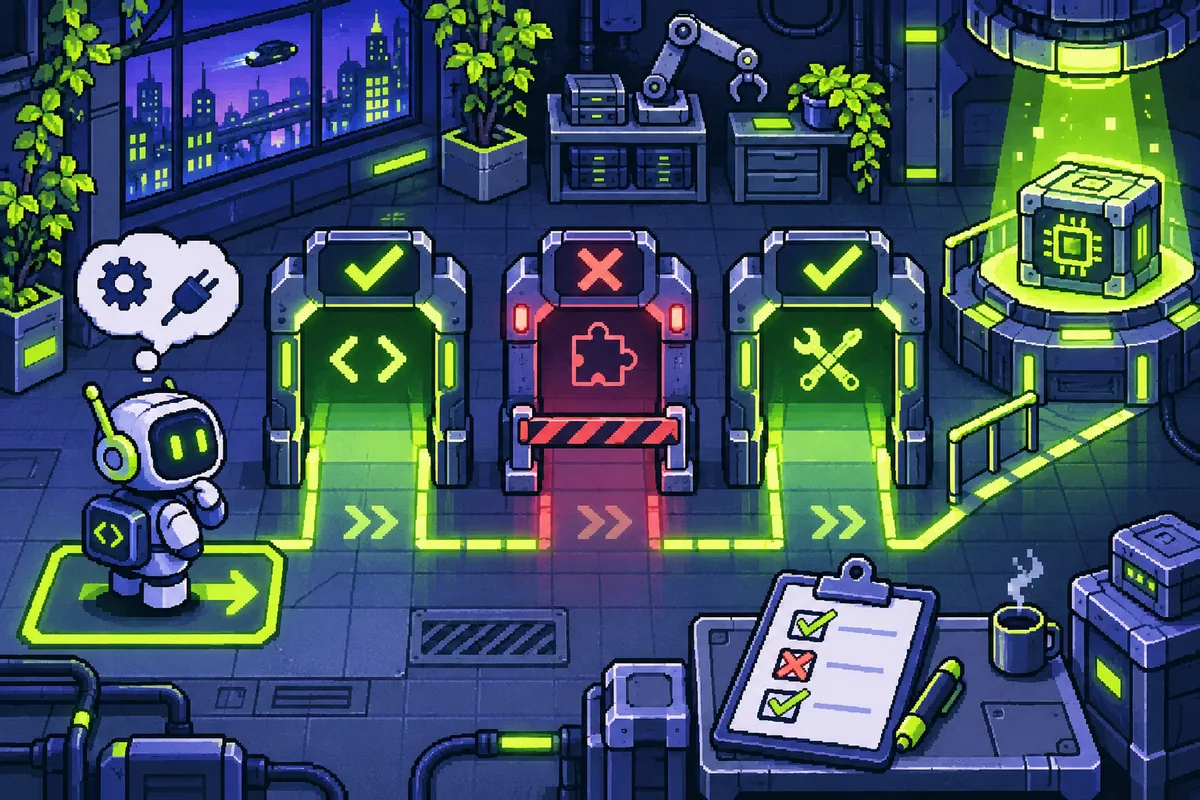
GitHub Copilot Evals and Copilot Studio evaluations are not two names for one product. One evaluates customisations in a developer's Copilot setup; the other belongs to Microsoft's Copilot Studio agent environment. Start with the system you own and the behaviour you need to test, then choose the relevant evaluation surface.
Name the artefact you want to improve
Are you changing a repository skill used by a coding assistant, a local MCP integration, or an agent built in Copilot Studio? Those artefacts live in different management and execution environments. The evaluation should run where the relevant configuration and permissions are actually applied.
This prevents a common search problem: a tutorial about one Copilot product can rank for a phrase used by another. Read the product name, documentation host and supported surface before following a setup. A screenshot of an evaluation dashboard does not establish that it can inspect your local coding tool.
What GitHub's announcement covers
The November 17 public-preview announcement describes GitHub Copilot Evals for skills, custom agents and MCP tools. It uses the Vally local evaluation engine and offers supported extension or plugin paths. The workflow helps create a task, run checks and compare behaviour after a customisation changes.
That makes it relevant to a developer asking whether a revised skill still follows the intended tool boundary. It does not automatically turn into a product analytics dashboard for every deployed business agent. Check the current availability and installation instructions rather than inferring them from another Microsoft product.
Choose by the system under test
A routing guide, not an accuracy or price ranking.
Developer workflow
- GitHub Copilot setup
Skills, custom agents and MCP tools used in supported coding surfaces.
- Copilot Evals
Repeatable behaviour checks for that customisation.
Studio agent
- Copilot Studio project
An agent designed and managed in that environment.
- Studio evaluations
Use the product's evaluation and results workflow.
A shared word in the product name is not evidence of shared setup, licensing or result semantics.
What the Studio documentation addresses
Copilot Studio's evaluation documentation belongs to its own agent-building environment and results workflow. If that is where your agent is authored and managed, start there. Inspect the supported test inputs, evaluation criteria and result interpretation for that project.
Do not assume a score or status has the same meaning across products. A check of final answer quality, a tool-action test and a business task completion measure can all be called an evaluation while observing different things. Read what was measured before comparing results.
Scroll the table horizontally to see all columns.
| Your task | Relevant starting point | Evidence to inspect |
|---|---|---|
| Revise a coding skill | GitHub Copilot Evals documentation | Task traces and defined behaviour checks |
| Test a local MCP customisation | GitHub Copilot Evals plus server tests | Tool calls, permissions and actual mock state |
| Evaluate a Studio-built agent | Copilot Studio evaluation documentation | Supported project tests and results |
| Compare two model providers | A deliberately designed shared task suite | Matched configuration and quality criteria |
| Validate database authorisation | Application and database tests | Server-side rejection of unauthorised actions |
Use one invented task to reveal the boundary
Imagine an assistant that retrieves an internal policy and drafts a response. In a coding-tool experiment, you may be evaluating the skill and MCP call used to retrieve a fixture. In a Studio project, you may be evaluating the configured agent's knowledge and action flow. The user's sentence can be similar while the system under test differs.
For both, define expected evidence: the correct source, a supported answer and no unauthorised action. Keep customer data out of the fixture. If the test includes a write, inspect the disposable target's state rather than accepting a success sentence as proof.
Keep costs and permissions separate
Preview availability is not a promise that every underlying model call, tool or hosting resource is free. Check the current plan and usage information for the selected product. Do not activate a paid service merely because another evaluation feature has a free installation.
Likewise, review access in the actual environment. A local tool can have broad filesystem rights; a deployed agent can access connected enterprise data. The evaluation environment should be deliberately scoped and should not inherit unnecessary production credentials.
Choose the smallest useful first evaluation
Start with one meaningful allowed case and one boundary case. Preserve inputs, configuration and observed results so a later change can be compared fairly. Expand the suite when a real failure or new capability justifies it.
The right product is the one that can observe the behaviour you need to change in the system you actually maintain. Once that is clear, the evaluation becomes an engineering loop rather than a search for the most impressive dashboard.
Frequently asked questions
Can I use the same installation instructions for both products? No. GitHub Copilot Evals and Copilot Studio have different product surfaces and setup flows. Follow the documentation for the environment containing the agent you want to test.
Is this a measured accuracy comparison? No. The products are being distinguished by purpose and workflow. No equivalent task suite or measured head-to-head accuracy result is claimed here.
What should I define before selecting an evaluation tool? Identify the agent or customisation under test, the task fixture, expected output, allowed actions and evidence you can inspect. That determines which product workflow is relevant.
Sources
- GitHub, November 17: Copilot Evals public preview
- Microsoft: Copilot Studio evaluation results
- Related practical guide
Technical references checked .

Eeshan Singh
I’m Eeshan Singh Pokharia, an AI Full Stack Developer and CoFounder of UltraFit360. I work across AI features, full-stack product development, and web and mobile experiences—from Figma and frontend interactions to the systems behind them.
This is a product-boundary comparison using official documentation, not a benchmark of two equivalent engines. The example tasks are invented and do not expose an organisation's internal agent or customer conversations.
Meet the author