Build the print layout for a resume as a separate rendering target with selectable text and predictable page breaks.
Build the example
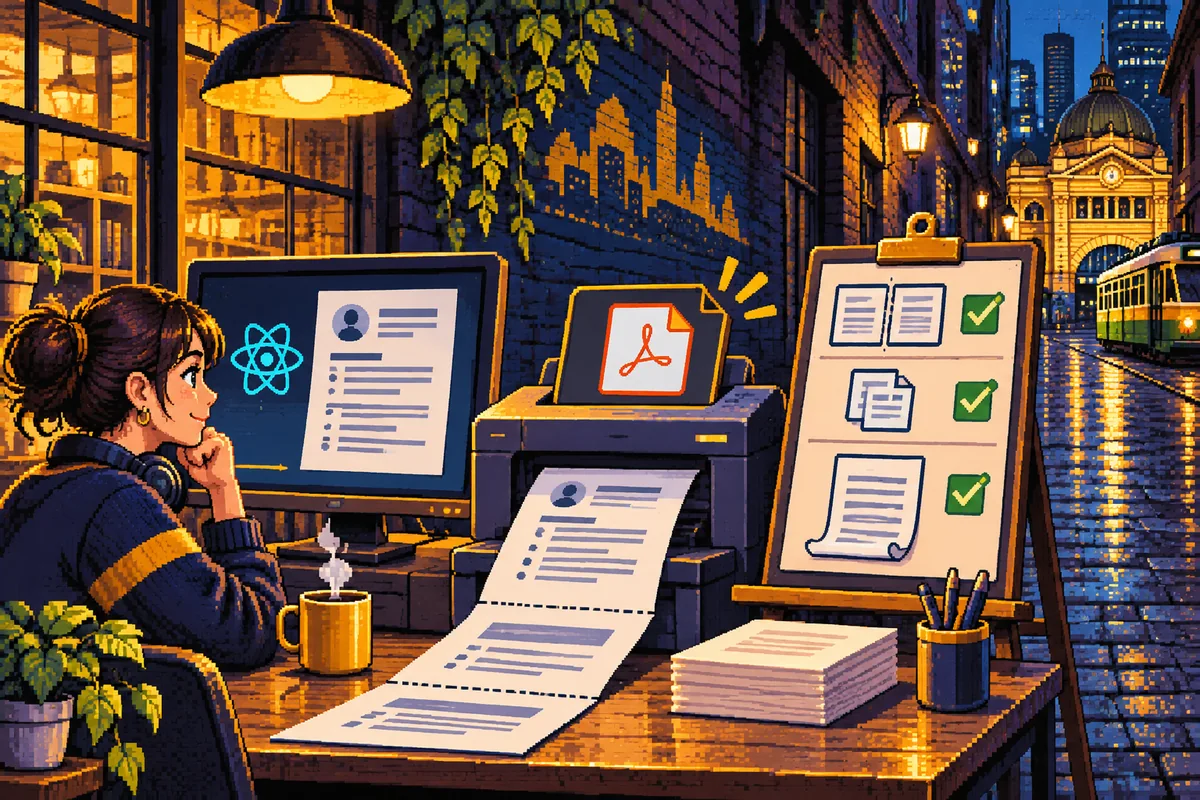
Use semantic HTML and a print stylesheet. Set a page size and margins, hide interactive controls and keep short headings with the next block where possible. Avoid forcing an entire long section to stay together, since that can introduce blank gaps or overflow.
Make a print fixture with one short role, one very long role and a contact link with a long label. Check both the PDF appearance and extracted text order. If the long role forces a blank page, remove a broad break-inside rule and constrain it to short blocks. Keep buttons hidden through the print stylesheet.
@media print {
  .toolbar { display: none; }
  h2 { break-after: avoid-page; }
  .short-entry { break-inside: avoid; }
}Watch the failure boundary
Test with the fonts actually loaded in the export runtime, because fallback fonts change line breaks and pagination. Keep an automated text comparison and a visual smoke test. Verify that a repeated section heading or page break still reads in a useful order when the document is copied into a plain-text viewer.
Verify the behavior
Print a short fixture and a long fixture to PDF. Extract text and confirm the headings and contact links remain usable. Check that a long job entry flows across pages and that print backgrounds are optional. Compare the browser and any headless export pipeline with the same fonts.
Sources
Technical references checked .

Eeshan Singh
I’m Eeshan Singh Pokharia, an AI Full Stack Developer and CoFounder of UltraFit360. I work across AI features, full-stack product development, and web and mobile experiences—from Figma and frontend interactions to the systems behind them.
Test with the fonts actually loaded in the export runtime, because fallback fonts change line breaks and pagination. Keep an automated text comparison and a visual smoke test. Verify that a repeated section heading or page break still reads in a useful order when the document is copied into a plain-text viewer.
Meet the author