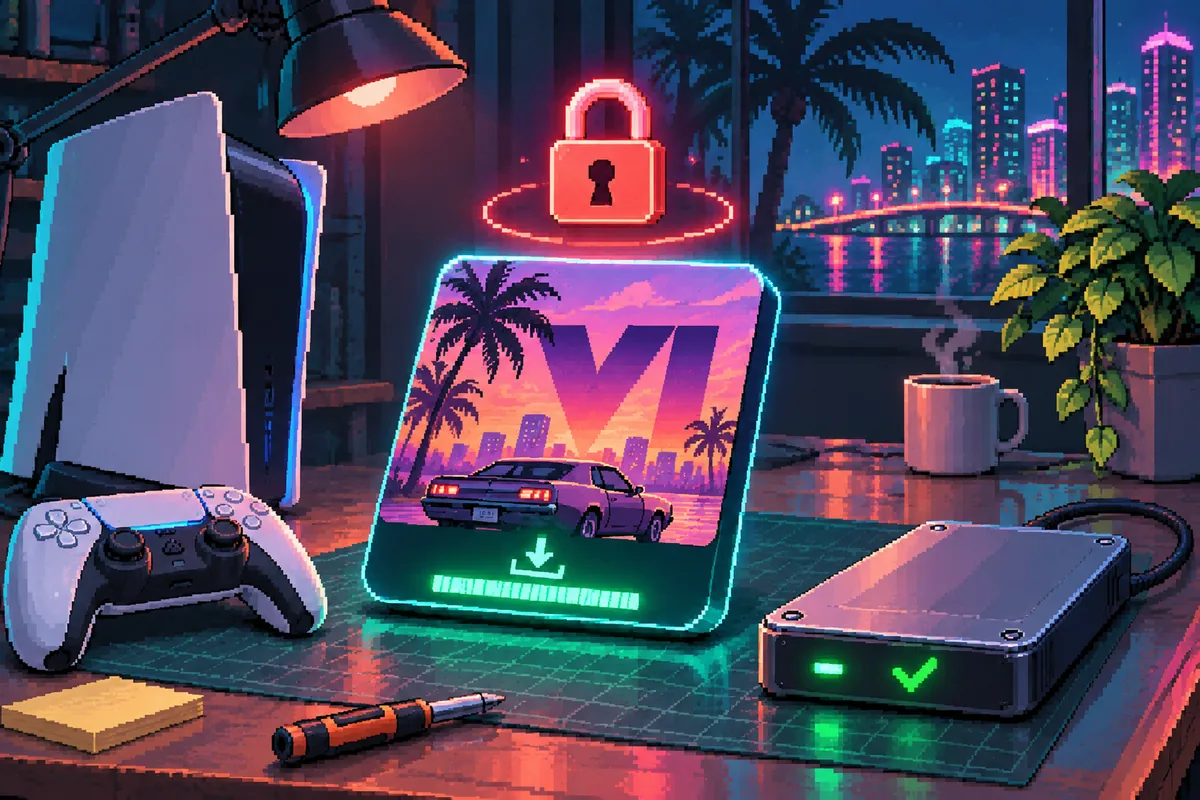
If GTA 6 is downloaded but locked on PS5, do not start by deleting it. Check whether the game has unlocked for your region, which account owns the purchase, whether the platform can validate the licence, and whether Console Sharing and Offline Play applies to the profile you are using. These checks answer different causes of a similar-looking symptom.
Record the symptom rather than guessing the cause
Write down the exact message or error code and whether the problem occurs before the game opens, during a service sign-in or after reaching the menu. A lock on a library tile, an online service error and a damaged-installation message need different investigations. Crop personal information before sharing a screenshot with support.
Also record the console profile, purchase edition and whether access comes from your own purchase or another account's sharing setup. These facts are more useful than the number of times you retried. Keep the installation in place while you establish what is failing.
Gate one: release timing and service state
Use Rockstar's regional release guidance and the console's displayed timing. A completed preload can remain unavailable before the applicable unlock. Do not change the console region or buy an additional copy because someone elsewhere reports access earlier. Regional schedules and time zones can make two honest reports differ.
Then check the official PlayStation service status. An outage can affect account or licence operations without proving that GTA 6's files are corrupt. A green status page is useful evidence but does not exclude a local account or connection issue. Record the time so a later support conversation has context.
Check the cheap-to-fix state first
A troubleshooting order, not a guarantee that every launch error is a licence failure.
Before changing files
- Release and service
Check official unlock timing and platform status.
- Owner and profile
Confirm purchase history on the expected account.
Entitlement path
- Official licence tools
Use Sony's documented restoration and sharing checks.
- Escalation
Record the exact error and contact support before destructive changes.
Reinstallation changes the files. It does not change the purchasing account or release schedule.
Gate two: purchase history and edition
Sign into the account expected to own the game and inspect its purchase history. Check that the purchase completed, that it is for the expected platform and edition, and that you are not looking at a cancelled or refunded order. Do not publish order references or account identifiers in a forum thread.
If the owner can launch the game but another profile cannot, investigate the documented console-sharing path. Sony's Console Sharing and Offline Play feature has a console designation; simply downloading from the owner's library is not a complete description of the setup. Keep each person on their own profile.
Gate three: use the official licence tools
Sony provides a licence-restoration procedure for relevant access problems. Read the current support page and follow it carefully. Licence restoration is not a factory reset, account deletion or save-data removal. If the interface wording differs from an old video, use the official current instructions rather than improvising a destructive alternative.
Scroll the table horizontally to see all columns.
| Evidence | More plausible next check | What to avoid |
|---|---|---|
| Preload complete before regional unlock | Official release timing | Deleting an intact preload |
| Purchase missing from expected account | Purchase and account support | Buying again without investigating |
| Owner works, second profile fails | Sharing designation and entitlement | Password exchange with a stranger |
| Platform service incident | Status updates and later retry | Repeated account resets |
| Explicit installation corruption error | Official storage and game troubleshooting | Assuming every error is a licence issue |
Escalate with a compact evidence packet
If the checks do not resolve access, give official support the error wording, approximate time, console model, relevant purchase evidence and the non-sensitive steps already tried. Explain whether the owner account and a second profile behave differently. That helps separate a purchase problem from a device-specific failure.
Do not send passwords, recovery codes or full payment details. If support asks for purchase verification, use its authenticated channel. Be cautious of replies offering to unlock the game remotely in exchange for account access. A launch-week support thread is also an opportunity for impersonators.
Know when this guide stops being the right one
If the game launches normally and later crashes, or if a specific online activity fails, switch to the relevant game or service troubleshooting. A successful licence check does not diagnose storage health, software defects or server availability. Likewise, a reinstall may be appropriate for a confirmed file problem after the cheap checks; it is just an expensive opening guess.
The practical sequence is timing, service, ownership, sharing, official licence recovery, then evidence-based escalation. It preserves your installation while testing the state that actually controls permission to launch.
Frequently asked questions
Should I reinstall GTA 6 when I see a lock? Not as the first step. Check timing, service status, the purchasing account and official licence troubleshooting first; reinstalling cannot create a missing entitlement.
Does restoring licences delete my saves? Sony's support page describes the licence-restoration process and its scope. Follow those current instructions rather than choosing a reset or deletion operation with a similar-sounding name.
Can another profile's purchase explain the lock? Yes. Installation and entitlement can belong to different account paths. Confirm the owner and the console-sharing designation before assuming the game files are damaged.
Sources
- PlayStation: Console Sharing and Offline Play
- Rockstar: GTA VI official platform/site information
- PlayStation: restore licences
- Related practical guide
Technical references checked .

Eeshan Singh
I’m Eeshan Singh Pokharia, an AI Full Stack Developer and CoFounder of UltraFit360. I work across AI features, full-stack product development, and web and mobile experiences—from Figma and frontend interactions to the systems behind them.
This guide deliberately starts after installation. The existing preload article covers download timing and storage; this one uses a non-destructive entitlement decision tree and does not claim that every lock icon has the same cause.
Meet the author