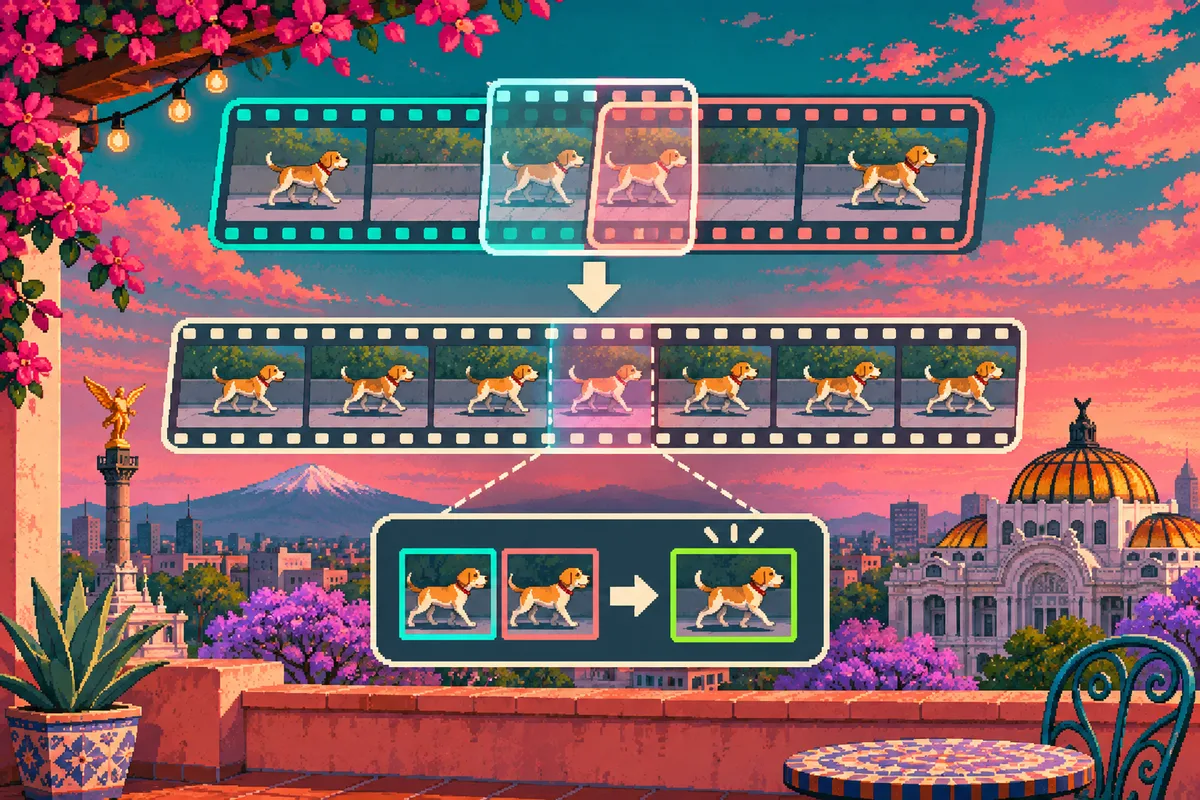
Ask Gemini for a small structured list of observations tied to a self-recorded clip. Treat every returned timestamp as a candidate to verify against the media.
Build the example
Record a short clip where a blue notebook enters the frame once. Include an allowed range based on the clip duration and request an array of findings with start seconds, end seconds, observation and uncertainty. Validate types and require 0 ≤ start ≤ end ≤ duration. The schema constrains shape, while frame inspection establishes whether the event happened.
Give each candidate a stable local reference before reviewing it. For the blue notebook example, write down the start and end you observed independently, then compare the model result using a stated tolerance. An object detected in an adjacent segment is a timing miss even if its textual description sounds correct.
Watch the failure boundary
Store the original frame rate and media duration beside findings. A reviewer should be able to jump to the relevant part of the original clip, not just read a time string. If the input is long, choose clip boundaries deliberately and compare a missed event near a boundary with one in the middle.
Verify the behavior
Review the nominated start and end frames alongside their nearest neighbors. Try an event lasting less than a second and compare the result with a hand-labelled interval. A timestamp can be valid and still point at the wrong object, so score detection and localization separately.
Sources
Technical references checked .

Eeshan Singh
I’m Eeshan Singh Pokharia, an AI Full Stack Developer and CoFounder of UltraFit360. I work across AI features, full-stack product development, and web and mobile experiences—from Figma and frontend interactions to the systems behind them.
Store the original frame rate and media duration beside findings. A reviewer should be able to jump to the relevant part of the original clip, not just read a time string. If the input is long, choose clip boundaries deliberately and compare a missed event near a boundary with one in the middle.
Meet the author