Google says Gemini Omni 1.2 Flash can generate native 15-second video and lists a launch price of $0.07 per generated second for 720p. At that published rate, one 15-second output costs $1.05 before any other applicable charges. To make the workflow useful, start with one brief, one review rubric and a fixed limit on attempts, then record exactly which surfaces and settings you use.
Where to check model availability and price
Google's announcement describes availability on the Gemini API and through Google's business offerings. The available controls, billing and model identifiers can differ by surface. Verify the model label on the tool you intend to use. Pricing below uses Google's announced 720p per-second rate checked November 7, 2026 IST. A different resolution, plan, editing method or billing surface can change the calculation.
These are arithmetic examples using a fixed rate. They do not predict charges for a failed request, an editing turn or an account-specific credit. Treat a full-length revision as another possible output in your planning, then reconcile the actual usage record. If your budget only covers two attempts, agree beforehand which failure justifies the second.
Scroll the table horizontally to see all columns.
| Planned output | Generated seconds | Example at $0.07 per second |
|---|---|---|
| One 15-second take | 15 | $1.05 |
| Initial take and one full-length regeneration | 30 | $2.10 |
| Three full-length candidates | 45 | $3.15 |
A repeatable 15-second storyboard
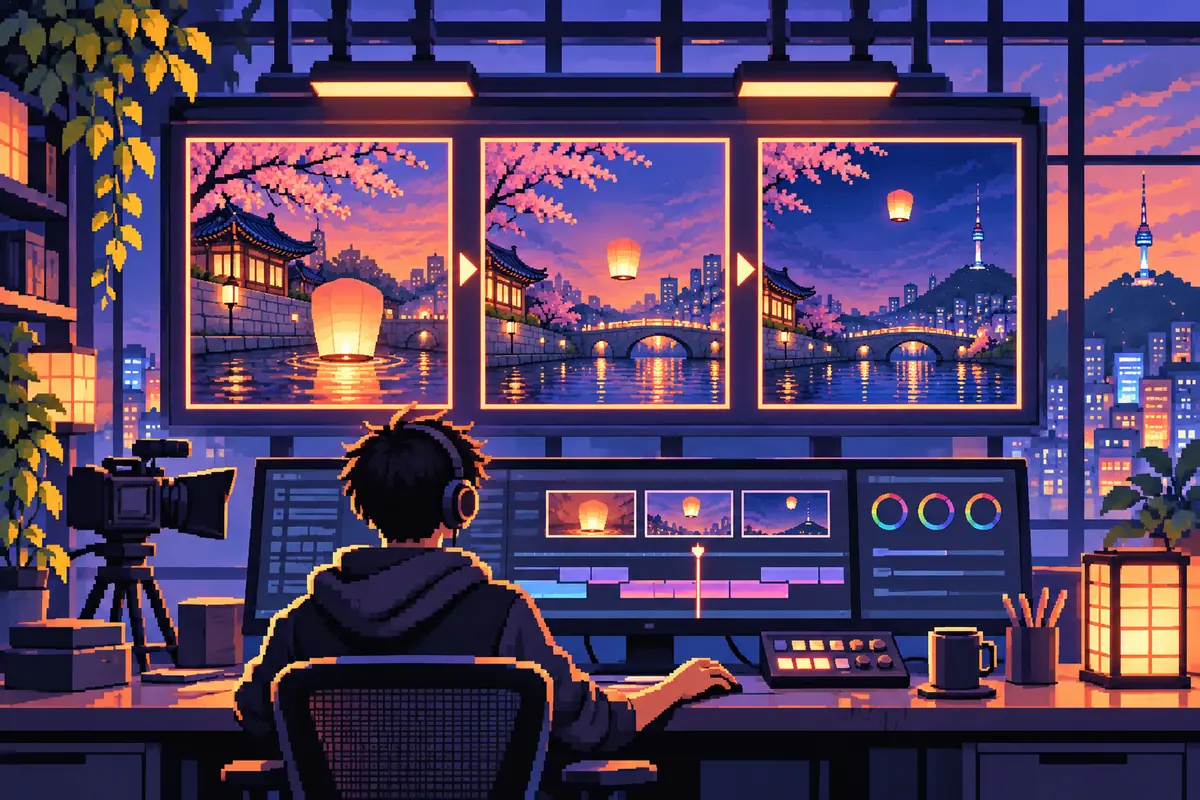
Use an invented subject: one amber paper lantern drifting along a canal at dusk. The goal is to hold the same object, light and direction across three moments. That gives reviewers something to inspect besides whether the clip feels cinematic. Use references you have permission to use and keep personal or confidential material out of the example.
The time ranges are creative targets, not claims about precise control. Inspect the actual frames and mark the approximate transition times if exact cut placement matters. If you need frame-accurate cuts, assemble clips in an editor and measure the final timeline instead of relying on a natural-language schedule.
Scroll the table horizontally to see all columns.
| Target beat | Visual direction | Continuity check |
|---|---|---|
| 0 to 5 seconds | Wide shot as the lantern enters from left to right | One lantern with a warm glow and blue water |
| 5 to 10 seconds | Track closer while preserving direction | Same shape, brightness and overall scale progression |
| 10 to 15 seconds | Let the lantern pass under a stone bridge | No second lantern or sudden reversal at the end |
Keep the first generation and edit request comparable
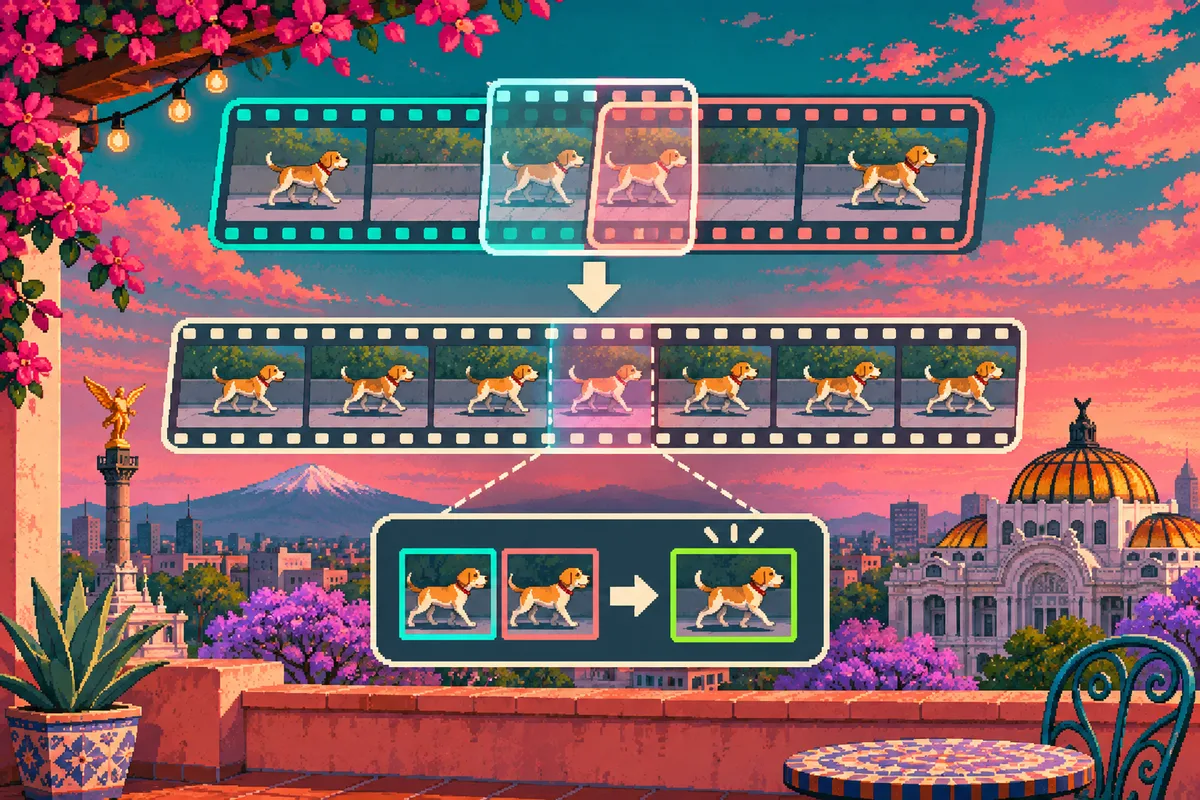
Google describes improved reference adherence and conversational editing in this model release. Give an edit one visible target. For example, ask for a subtler reflection on the water while keeping the lantern, camera path and duration. Save the original and edited output separately and compare the same moments. Multiple changes at once make it hard to tell which request caused a new discontinuity.
Create a 15-second dusk canal scene. Follow one amber paper lantern drifting left to right. Open wide, track closer, then let it pass under a stone bridge. Keep the lantern shape and light consistent. No on-screen text.What to check before approving another take
Give each condition a pass, fail or not checked. Review the clip twice, once at normal speed and once paused around transitions. If the first attempt meets the brief and the remaining issue is a crop or trim, a conventional edit may solve it without another generation. This storyboard is a reproducible review fixture. The cover is an illustration, and the article does not present a paid video run as a test.
- Check the actual duration, frame dimensions and aspect ratio from the output.
- Compare the first, middle and final views for the same subject and direction.
- Look for extra objects, jump cuts, unwanted text and unexpected changes in lighting.
- If you need audio, check that it belongs to the scene and that edits did not break timing.
- Record the model surface, date, generation settings, output and any measured cost.
Separate making a clip from verifying its content
A generation request asks the model to produce media. An analysis request asks a model to make claims about media you already have. In a production workflow they can sit next to each other, but the costs and checks are different. Verify actual frames and timestamps before approving a claim, and keep human review for subjective or consequential checks.
Set up an edit log before generating anything
For the lantern clip, label the first take A and the first permitted edit B. Put the request, model surface, input references and creation date on a small record for each. Save exports under different names. In review, look at A and B at the start, middle and end and mark the same three attributes: the lantern's position, its shape, and the light on the water. This is easier to compare than a freeform preference about the whole clip.
A reviewer can fill this out even when the tool is not available by using a fictional A/B record. Label it as a planning exercise. If you publish a real run later, include the settings, whether it was a single generation or a follow-up edit, and a description of how the cost was verified.
Scroll the table horizontally to see all columns.
| Review result | Example decision |
|---|---|
| Reflection improves and the lantern stays consistent | Keep the edited output |
| Reflection improves but the lantern changes shape | Keep the original or revise the single change request |
| Timing is off by a small amount and continuity holds | Try trimming in an editor before another generation |
| The clip violates the one-lantern brief | Fix the prompt or source references before spending on variations |
Choose references that can be checked
A reference image should establish one thing a reviewer can identify: the shape of the lantern, the camera view or the water's colour. When references disagree, decide which is authoritative before asking for an output. A clip that faithfully follows the wrong reference can look polished and still fail the brief. Keep the list short and avoid personal faces or protected artwork unless you have permission and a reason to include them.
Set the final deliverable's requirements before choosing a generation surface. A 720p review preview and a file prepared for a specific campaign can have different aspect, audio or rights needs. Verify that you can export the result you need and record billing assumptions separately from creative choices. If the only requirement is to communicate the scene direction to a colleague, a static storyboard may already answer the question.
Frequently asked questions
How much does a 15-second Gemini Omni 1.2 Flash video cost? At Google's listed $0.07 per second for 720p, 15 generated seconds is $1.05 before other charges or account-specific pricing.
Does the model support native 15-second output? Google announced native 15-second video generation. Verify that the surface and model available to your account expose the option.
Can I edit the same clip conversationally? Google describes multi-turn conversational editing. Keep the original clip and verify continuity and timing after each edited output.
Sources
- Google: Gemini Omni 1.2 Flash announcement
- Google Cloud: Gemini Omni 1.2 Flash general availability
- Google DeepMind: Gemini Omni Flash model card
Technical references checked .

Eeshan Singh
I’m Eeshan Singh Pokharia, an AI Full Stack Developer and CoFounder of UltraFit360. I work across AI features, full-stack product development, and web and mobile experiences—from Figma and frontend interactions to the systems behind them.
A short video is easier to improve when the team can describe what changed between takes. This guide applies the same evidence discipline as our video analysis work to the other side of the process: making the clip.
Meet the author