Turn verified video observations into OpenTimelineIO markers so an editor can inspect them in a familiar timeline.
Build the example
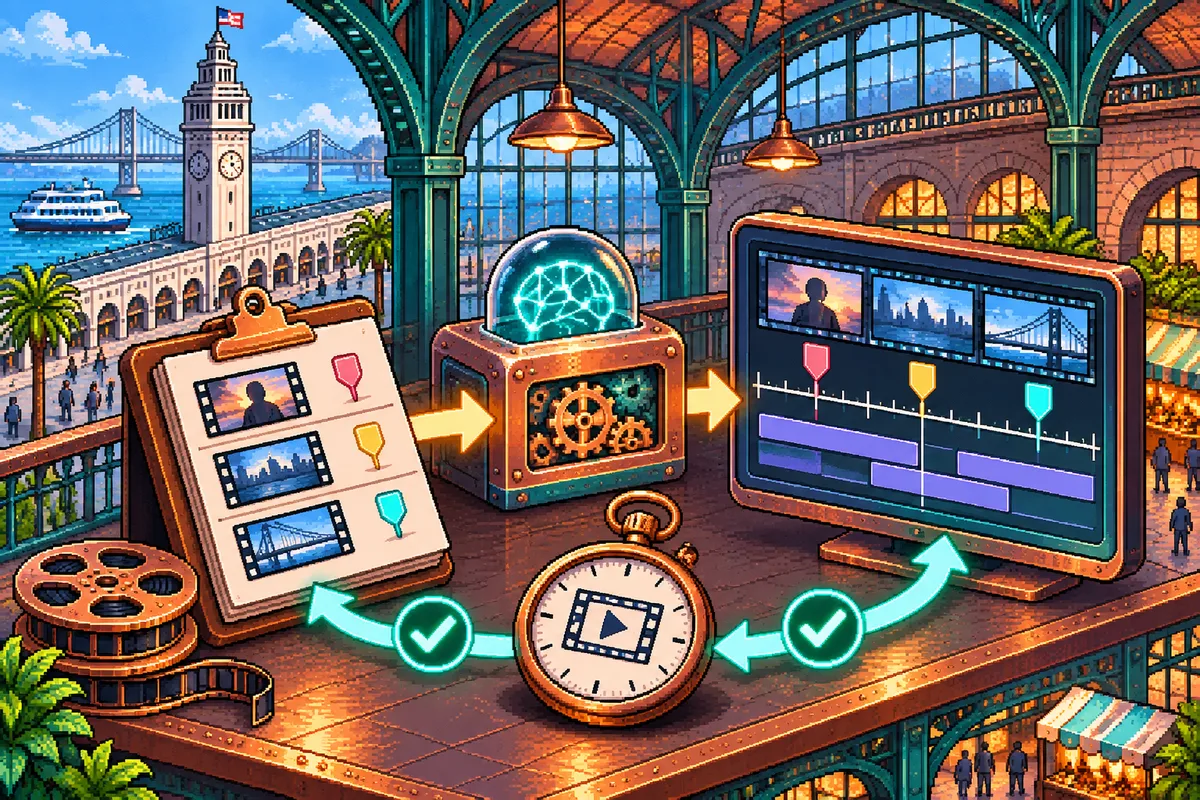
Store time as a rational frame position plus a rate. Convert an observation at 12.5 seconds to frame 300 at 24 fps, keep rounding explicit and distinguish source clip offsets from timeline positions. Attach a brief label and stable finding ID. Export through the adapter supported by the actual destination.
Give the output marker a name and an ID that survive reopening, then write a second marker one frame before it. If the export format rounds both to the same displayed time, inspect their underlying frame positions on import. Distinct markers should remain independently selectable on the intended timeline.
Watch the failure boundary
Start with a single video track and a single verified marker. Markers attached to clips can use a different coordinate origin from markers attached to the overall timeline. Verify the output by opening it in the intended editor and checking where the playhead lands. Successful serialization alone cannot establish that the adapter preserved semantics.
Verify the behavior
Round-trip the marker through a supported format and re-import it. Include a marker at the first frame, a marker with duration and a 30000/1001-rate example. Compare frame positions rather than rounded display strings, and check that unsupported adapter fields do not silently vanish.
Sources
Technical references checked .

Eeshan Singh
I’m Eeshan Singh Pokharia, an AI Full Stack Developer and CoFounder of UltraFit360. I work across AI features, full-stack product development, and web and mobile experiences—from Figma and frontend interactions to the systems behind them.
Start with a single video track and a single verified marker. Markers attached to clips can use a different coordinate origin from markers attached to the overall timeline. Verify the output by opening it in the intended editor and checking where the playhead lands. Successful serialization alone cannot establish that the adapter preserved semantics.
Meet the author