Design the coach dashboard around a triage task and a separate planning task.
Build the example
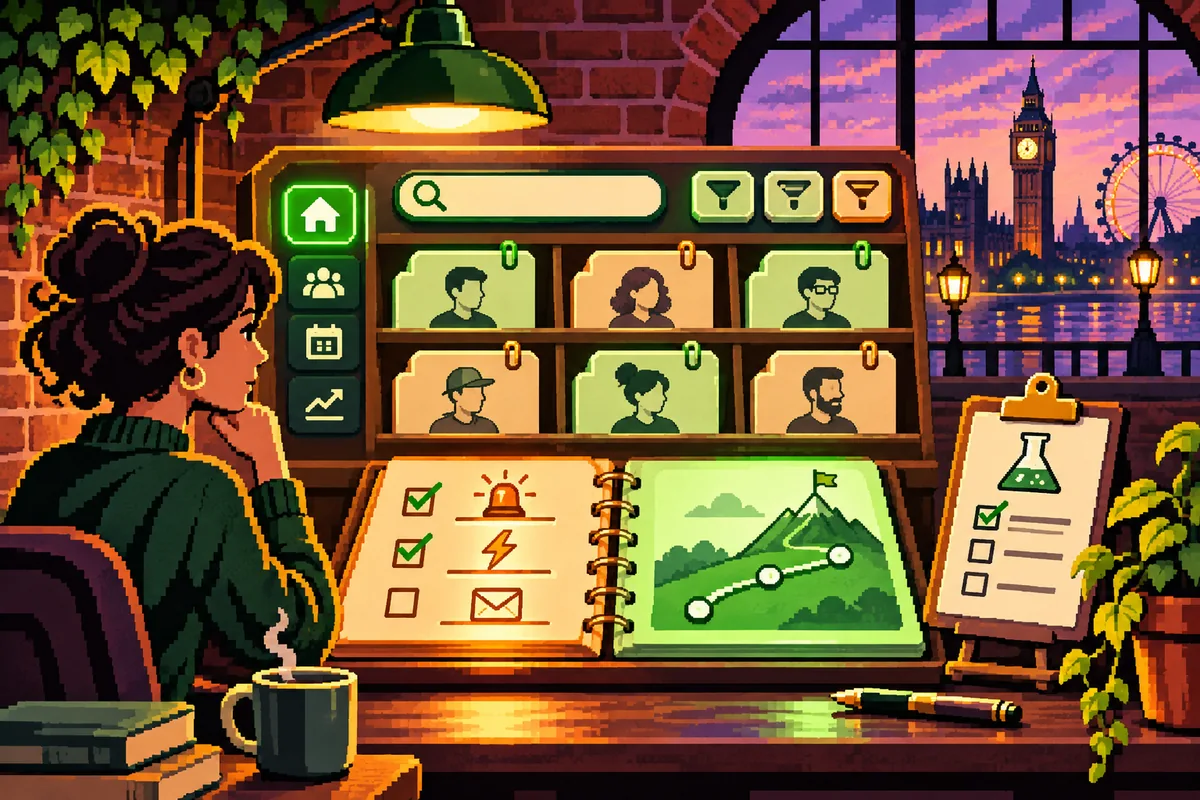
Populate a demo with fictional clients and three statuses: check-in due, response needed and up to date. Use filters and stable client IDs so a coach can open one detail view and return to the same list state. Show why an item needs attention and when the status last changed.
Run the triage task with two accounts whose visible rosters differ. Reset filters between tests, then add a search term that matches an invisible record and confirm it never appears. A useful list test includes loading, no results and error states in addition to a populated table. Measure whether testers can recover without guidance.
Watch the failure boundary
Make the selected filters visible after navigating back from a client detail view. Include pagination or an appropriate list strategy in a larger fixture to see whether filters apply across all clients. Test read permissions independently of hidden columns, since frontend visibility alone does not establish data access.
Verify the behavior
Ask a tester to find overdue clients and then review one client’s month. Time each task and record misclicks on a test build. Test empty filters, stale results and roles that cannot see certain records. A useful overview can support both tasks without exposing private information in every row.
Sources
Technical references checked .

Eeshan Singh
I’m Eeshan Singh Pokharia, an AI Full Stack Developer and CoFounder of UltraFit360. I work across AI features, full-stack product development, and web and mobile experiences—from Figma and frontend interactions to the systems behind them.
Make the selected filters visible after navigating back from a client detail view. Include pagination or an appropriate list strategy in a larger fixture to see whether filters apply across all clients. Test read permissions independently of hidden columns, since frontend visibility alone does not establish data access.
Meet the author