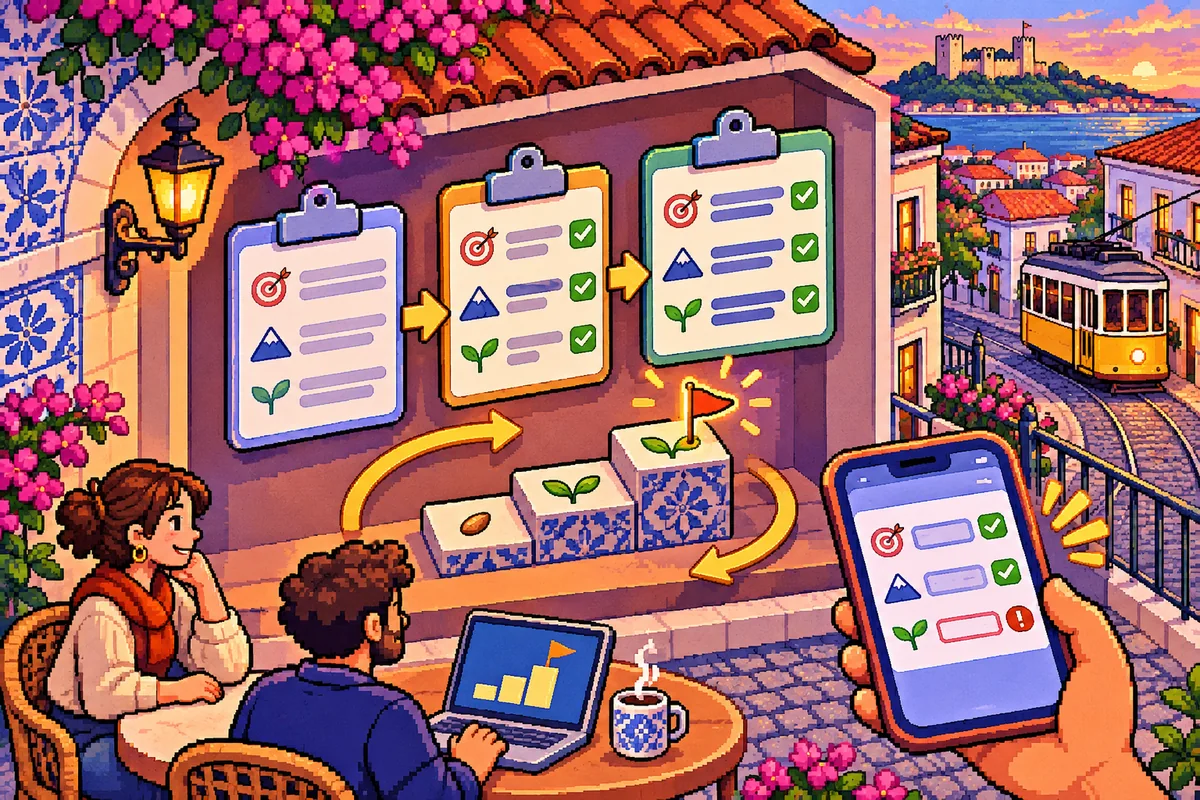
A weekly coaching form should survive a short interruption without presenting unfinished answers as submitted.
Build the example
Use a fictional check-in with a note, completion count and a review flag. Track draft, saving and submitted states independently of the form fields. Restore drafts to the right account and week. Validate only the necessary fields for final submission and show errors near the fields that need correction.
Use a synthetic submission whose network response is deliberately dropped after the server stores it. Retry with the same request identifier and check that the same revision comes back. Present the actual confirmation before hiding the form. The test should also show how the interface behaves when only the local draft survives.
Check-in lifecycle
A weekly coaching form should survive a short interruption without presenting unfinished answers as submitted.
Example
- Draft
preserve partial answers
- Submitting
retry under a stable identifier
- Submitted
show the confirmed revision
show the confirmed revision
Watch the failure boundary
Give users an explicit draft status after a successful autosave, and mark a draft as unsynced when the network drops. Avoid collecting more sensitive detail than the coach needs for the workflow. Test whether one client’s draft appears in a shared-device session after sign-out, and clear or isolate data appropriately.
Verify the behavior
Close the app midway through editing, reopen it with the same account and check that the draft restores. Switch accounts and verify isolation. Submit while offline, reconnect and check that retry produces one submission. If a submitted record can be corrected, save a new revision with an explicit status.
Sources
Technical references checked .

Eeshan Singh
I’m Eeshan Singh Pokharia, an AI Full Stack Developer and CoFounder of UltraFit360. I work across AI features, full-stack product development, and web and mobile experiences—from Figma and frontend interactions to the systems behind them.
Give users an explicit draft status after a successful autosave, and mark a draft as unsynced when the network drops. Avoid collecting more sensitive detail than the coach needs for the workflow. Test whether one client’s draft appears in a shared-device session after sign-out, and clear or isolate data appropriately.
Meet the author