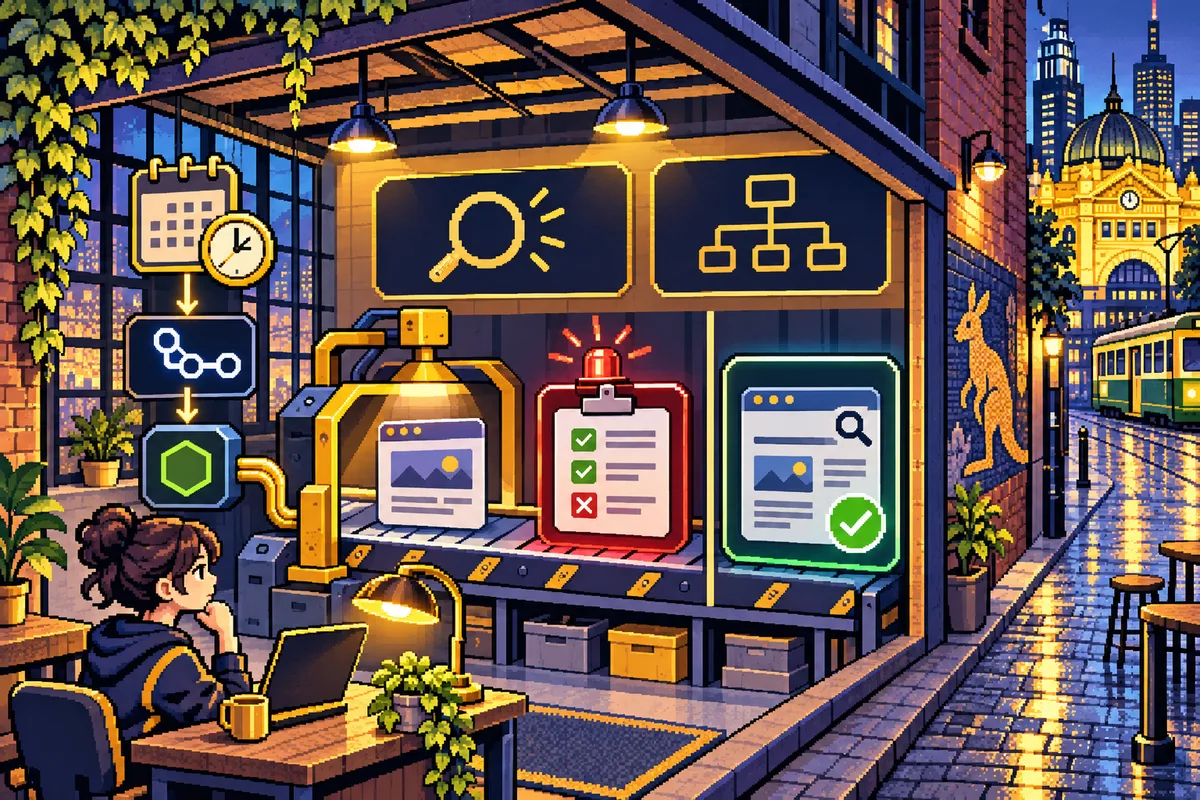
Start with the first step in your workflow that actually runs a 32-bit ARM program. GitHub’s November 12 announcement sets December 8 as the deadline for ending native ARM32 job execution on hosted Windows and Linux runners. A release file with armv7 in its name is a reason to inspect the workflow. Its name alone cannot tell you whether the hosted machine executes that file.
Trace the machine, the compiler and the executable
Take a single matrix entry and write down three facts: the runner environment, the compiler target and the environment that starts the built program. Matrix variables named arch or target are conventions chosen by the author. Read how the build command actually consumes them. A filename can say ARM even if the compiler ignored the variable entirely.
For a concrete example, a Go project without cgo can ask a Linux x64 toolchain to generate a Linux ARMv7 executable. The compiler runs on x64. The command below inspects the output rather than starting it. Adapt the package path to your project and review dependencies before applying the example to a cgo build.
CGO_ENABLED=0 GOOS=linux GOARCH=arm GOARM=7 go build -o sensor ./cmd/sensor
file sensor
readelf -h sensorFind the test hidden inside the build
Suppose the next line runs ./sensor --version. That step changes the requirements: a compatible execution environment must now load the ARM binary. A test harness or packaging script can do the same thing indirectly. Inspect post-build smoke tests and install hooks before declaring a job unaffected.
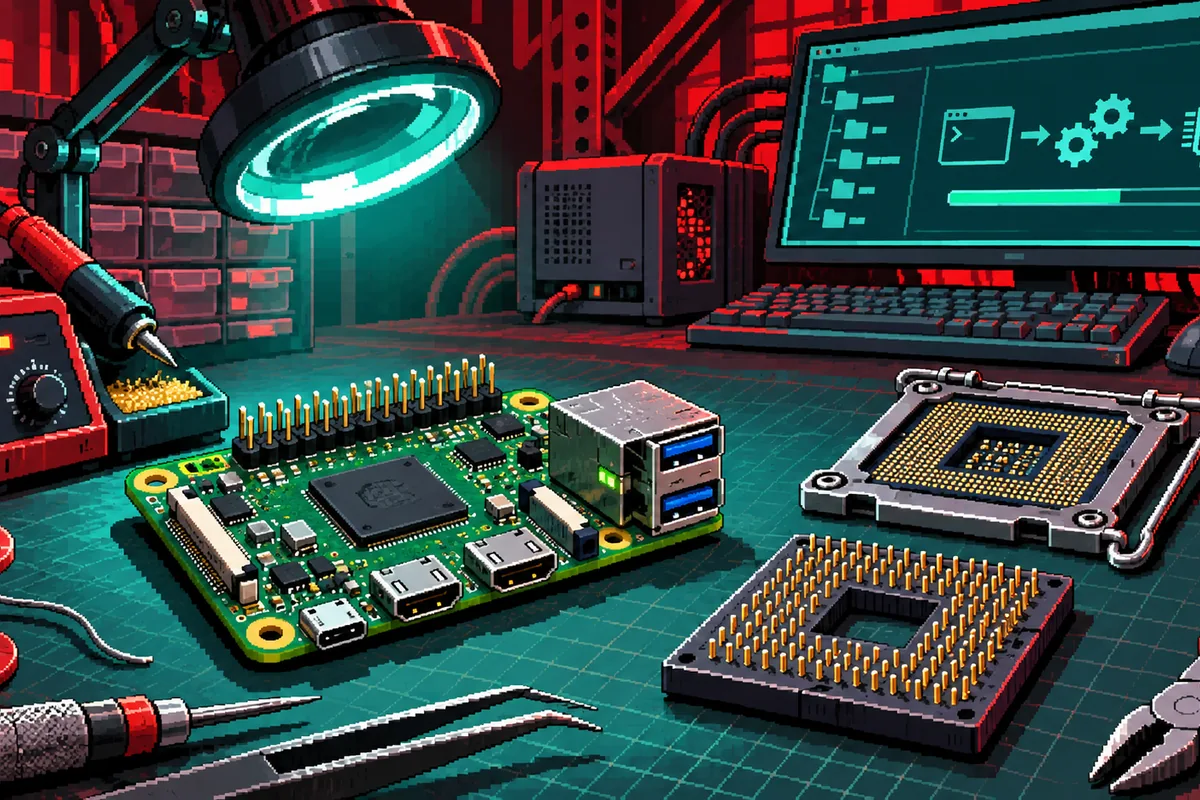
GitHub explicitly includes native AArch32 userspace on hosted runners in the retirement. ARM64 and ARM32 are distinct targets. Check the actual operating system and userspace of the devices you support. A Raspberry Pi model name by itself does not establish which binary a particular installation needs.
Split build evidence from device evidence
Keep a record of the compiler command, target architecture and artifact digest. Run the existing smoke test in your supported target environment against that exact artifact. A digest avoids a common mistake where a device test accidentally executes yesterday’s installed binary while the pipeline has already uploaded a new one.
For an application that reads sensors, make the smoke test explicit about scope. Starting the program and printing its version verifies the loader and basic startup path. A separate test with the intended peripherals verifies device behavior. Document which check runs on each push and which check must pass before tagging a release.
Scroll the table horizontally to see all columns.
| Job step | Evidence it produces |
|---|---|
| Inspect executable headers | The artifact identifies a particular architecture. |
| Start that artifact on the target | The loader accepts it and the startup path runs. |
| Exercise the device integration | The application can interact with the supported hardware in that test. |
Sources
Technical references checked .

Eeshan Singh
I’m Eeshan Singh Pokharia, an AI Full Stack Developer and CoFounder of UltraFit360. I work across AI features, full-stack product development, and web and mobile experiences—from Figma and frontend interactions to the systems behind them.
The distinction matters in release engineering because producing an artifact and starting it on a supported device answer different questions. A useful CI report should say which one succeeded.
Meet the author