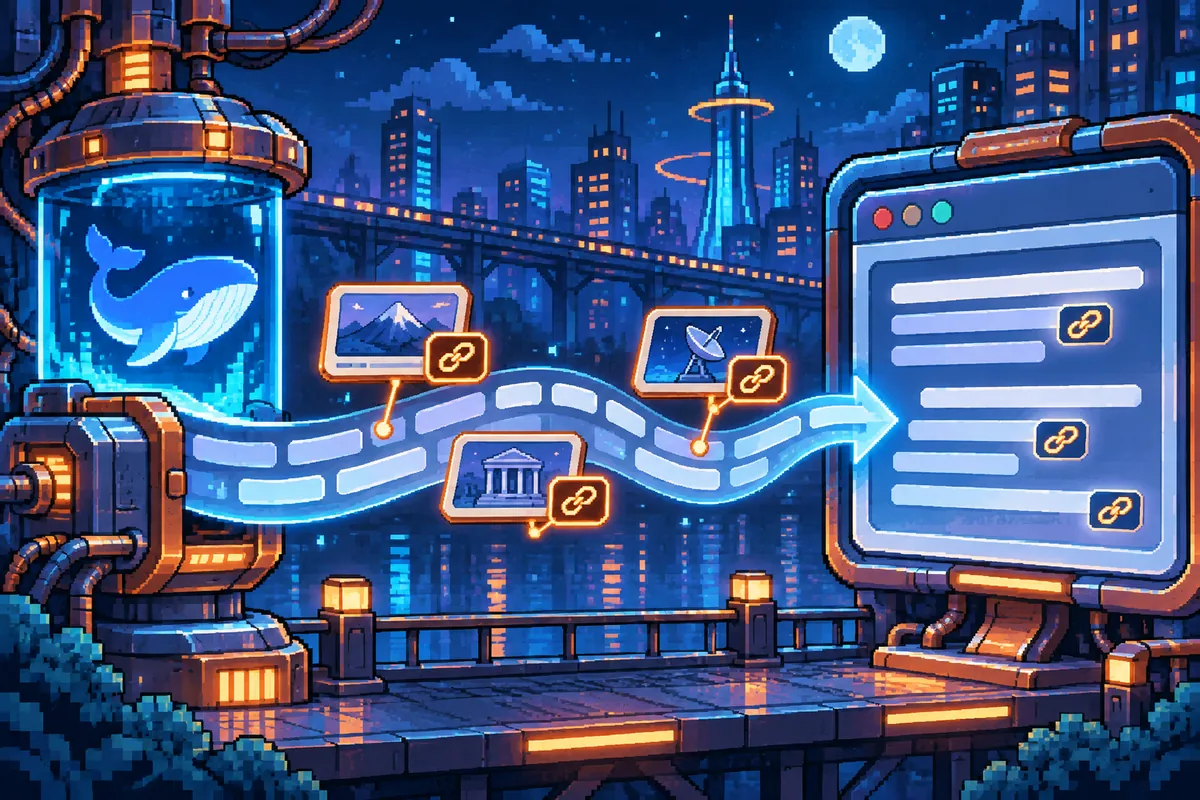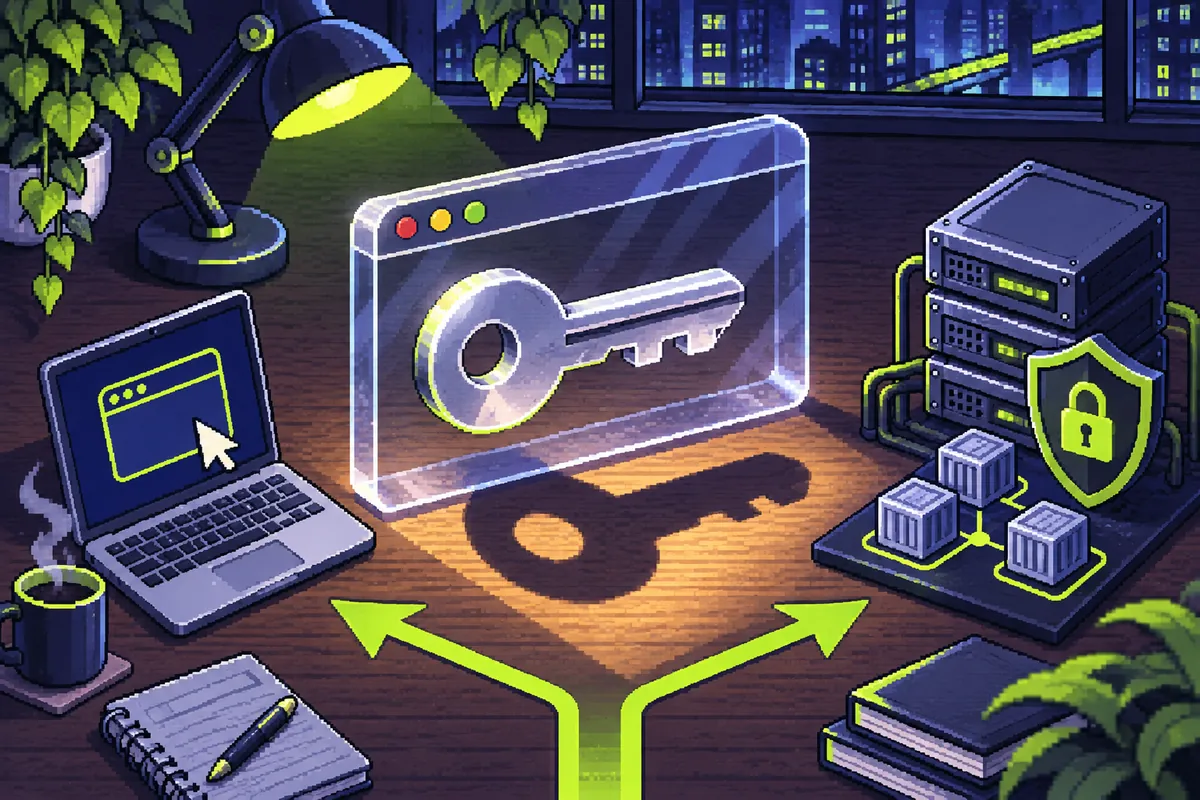
DeepSeek's public chat demo is useful for exploring its APIs, but a personal bring-your-own-key demo and a public product have different security requirements. The guide says the demo stores the API key, conversations and uploaded images in the browser. That does not mean a shared product key should be bundled into frontend code.
Start with the demo's stated purpose
The official guide provides a chat client to demonstrate features such as streaming, file input and web tools. It describes browser storage for the key and conversation-related data. Read that statement with its scope: where the demo persists data is not the same as where an API processes a request.
For a personal experiment, a user may deliberately supply their own key. For a public product, the developer may instead pay for requests through a shared service account. Those are different ownership and abuse models. Copying the visual interface does not resolve the change in responsibility.
Browser storage has a threat model too
A key stored in a browser can be exposed through compromised scripts, extensions, a shared device or an application vulnerability. The exact risks depend on the implementation. Do not describe browser storage as inherently equivalent to an operating-system secret store or as automatically unsafe in every use case.
If you offer a bring-your-own-key feature, explain persistence and removal clearly. Consider whether session-only use meets the product's needs. Avoid sending keys, conversation text or uploaded document content to analytics. A helpful error report should not contain the credential that caused the request.
Scroll the table horizontally to see all columns.
| Product decision | Personal demonstration | Public shared-key service |
|---|---|---|
| Credential owner | Individual user | Service operator |
| Request budget | User's provider account | Operator's budget and abuse controls |
| Persistence | Explicit browser-storage choice | Deliberate conversation and log retention |
| Access control | Local usage context still matters | Server-enforced application policy |
| Incident response | Revoke the user's exposed key | Rotate service key and investigate affected access |
Map data storage separately from data processing
List each data class: credential, prompt, response, uploaded file, error log and analytics event. For each, identify where it is stored, where it is processed, who can access it and how it is deleted. A single statement that everything is local can conceal several external request paths.
If web tools fetch pages or documents are uploaded, those operations introduce additional processing. Review the relevant provider documentation and your own interface copy. Do not promise that deleting a browser conversation removes every provider-side file or log unless the documented controls and your implementation establish that result.
Test the boundaries without real customer data
Use invented prompts and a disposable development configuration. Inspect the browser bundle to confirm that no shared credential was built into it. Check network requests and error handling without copying authentication headers into public screenshots.
For a backend architecture, test unauthorised requests, oversized inputs and rate-limit behaviour as well as a successful chat. Confirm that the client receives a useful error without an internal stack trace or secret. Check cancellation and retries so an abandoned page does not produce uncontrolled repeated work.
Keep the useful part of the demo
The demo is valuable as a feature map and a public reference implementation. Study how it presents streamed answers, sources and file states. Then choose the architecture that matches your product's credential ownership and privacy commitments. A demo can accelerate learning without becoming an unreviewed production template.
Frequently asked questions
Does browser-only storage mean the model never receives my prompt? No. Local storage location and inference processing location are different. The API must receive the request needed to generate an answer; review the provider's current data-handling terms.
Can I place a shared DeepSeek API key in a frontend environment variable? No. Values bundled into browser code can be read by visitors. A shared service credential belongs on a controlled backend, with appropriate authentication and usage limits.
Is the public chat demo a complete production architecture? Its documentation describes it as a demonstration. Use it to understand features, then separately design the credential, authorisation, retention, abuse and cost controls your product needs.
Sources
Technical references checked .

Eeshan Singh
I’m Eeshan Singh Pokharia, an AI Full Stack Developer and CoFounder of UltraFit360. I work across AI features, full-stack product development, and web and mobile experiences—from Figma and frontend interactions to the systems behind them.
I am using the public demo as an architecture lesson, not alleging that it secretly leaks keys. Browser storage, provider processing and server-side secret handling are separate questions that deserve precise descriptions.
Meet the author